Registering your mobile device with the Pakistan Telecommunication Authority (PTA) is essential to ensure uninterrupted connectivity and compliance with national regulations. The Device Identification Registration and Blocking System (DIRBS) facilitates this process by identifying and blocking non-compliant devices.
Below is a comprehensive, step-by-step guide to paying the mobile registration tax in Pakistan as of April 2025.
Step 1: Obtain Your Device’s IMEI Number
- Find the IMEI Number:
- Dial *#06# on your mobile device to display its 15-digit International Mobile Equipment Identity (IMEI) number.
- Alternatively, check the device’s settings or packaging for the IMEI information.
Step 2: Verify Device Compliance
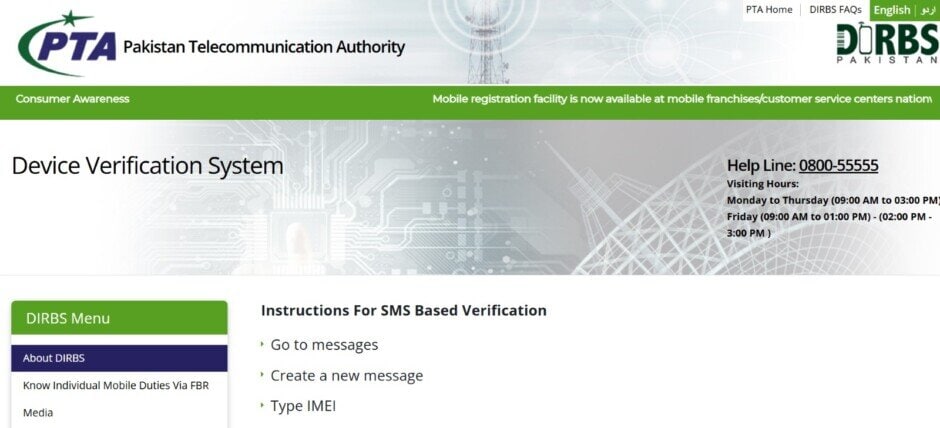
- Visit the PTA’s official website and navigate to the Device Verification System.
- Enter your IMEI number to verify if your device is compliant with PTA regulations.
- Alternatively, send your 15-digit IMEI number via SMS to 8484; you will receive a response indicating the compliance status of your device.
Step 3: Register on the DIRBS Portal
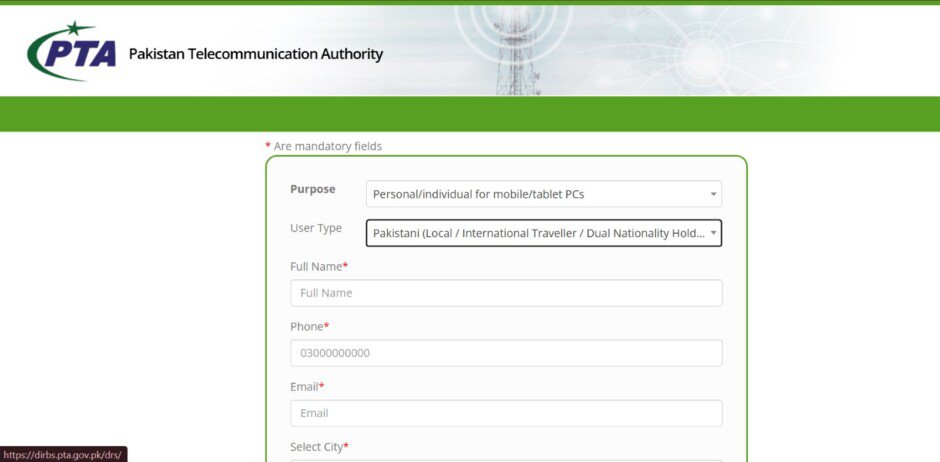
- Create an Account:
- Go to the DIRBS portal: https://dirbs.pta.gov.pk
- Click on “Sign Up” and select the appropriate user type (e.g., individual, commercial).
- Fill in the required personal information, including your CNIC (Computerized National Identity Card) number, contact details, and email address.
- Set a secure password and complete the registration process.
Step 4: Generate a Payment Slip ID (PSID)
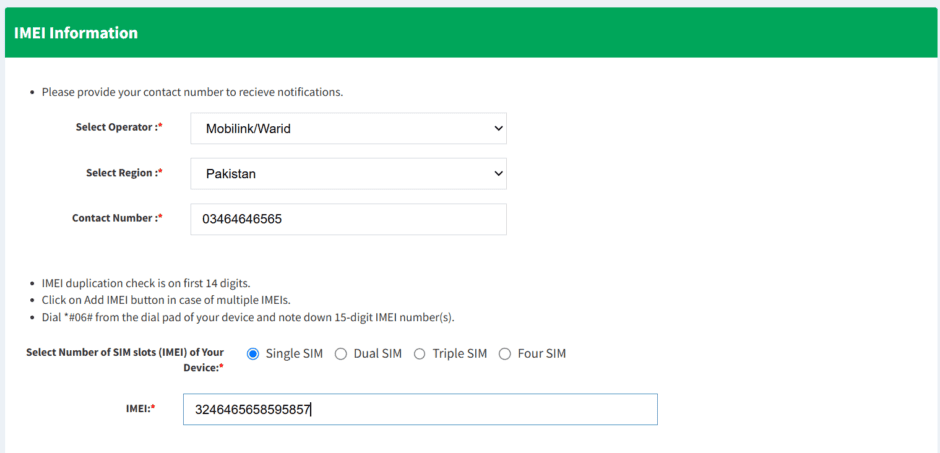
- Log In and Apply for Registration:
- After logging into your DIRBS account, select the option to register a new device.
- Enter the device details, including the IMEI number(s), brand, and model.
- The system will generate a Payment Slip ID (PSID) along with the assessed tax amount.
Step 5: Pay the Assessed Tax
- Online Banking:
- Log in to your online banking portal.
- Navigate to the tax payment section and select “FBR” as the biller.
- Enter the PSID and the exact tax amount.
- Confirm and complete the payment.
- Mobile Banking Apps:
- Open your bank’s mobile app.
- Go to the payments or bill section and choose “FBR“.
- Input the PSID and tax amount.
- Proceed to pay.
- ATM Machines:
- Visit an ATM of a participating bank.
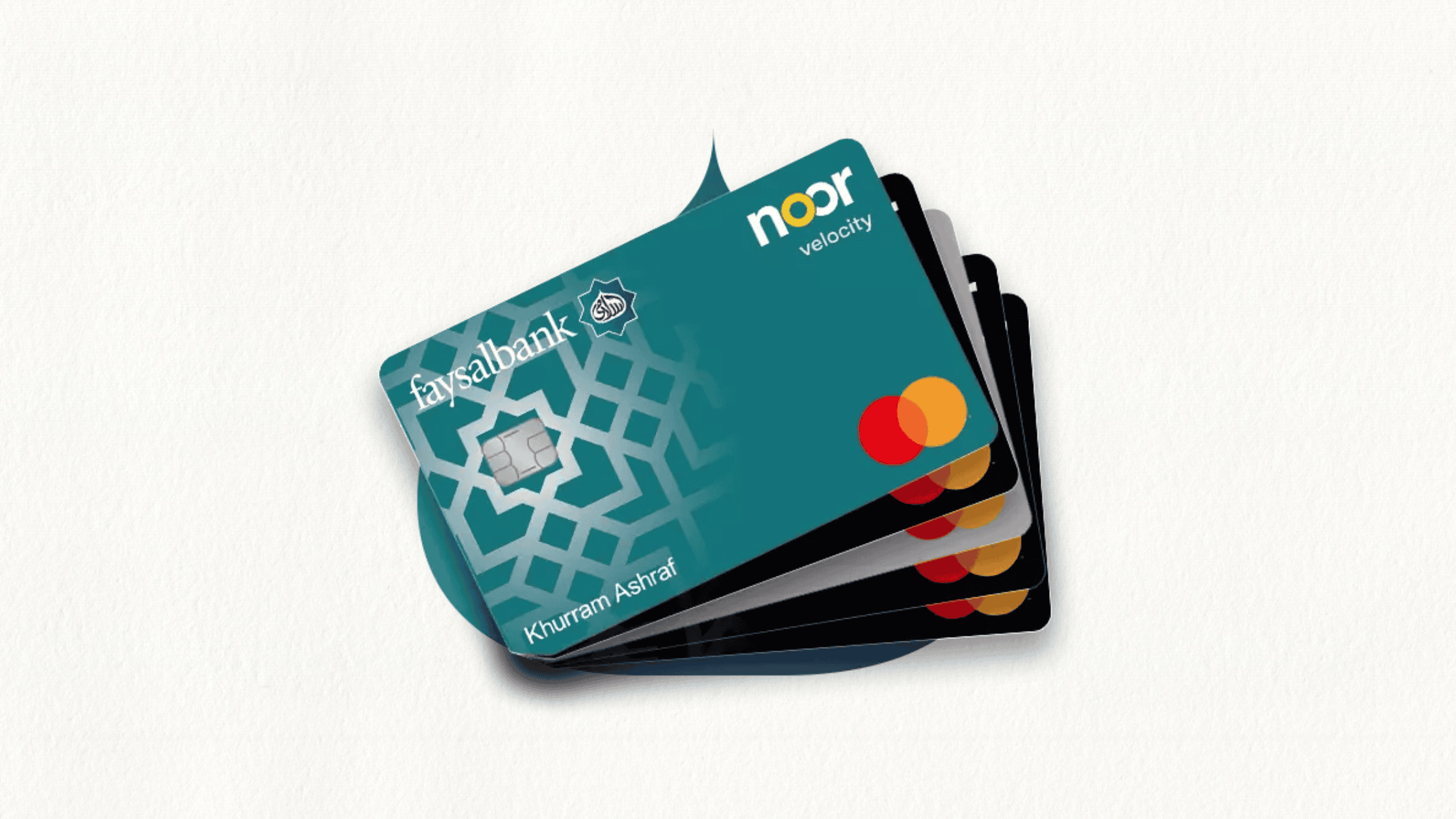
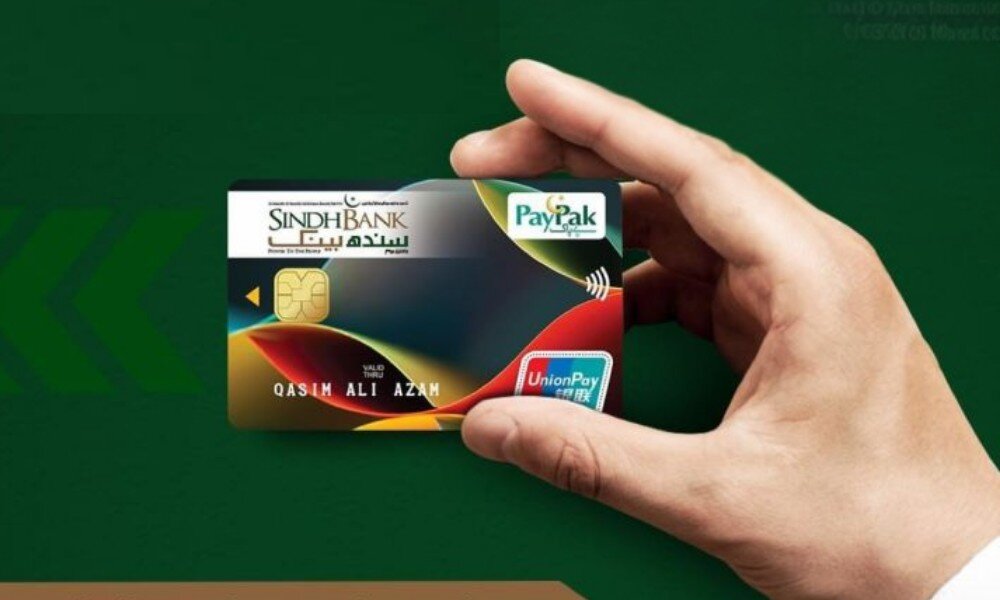
- Insert your card and access the bill payment menu.
- Select “FBR” and enter the PSID and tax amount.
- Complete the transaction.
- Bank Branches:
- Visit a branch of a designated bank.
- Provide the teller with your PSID and the tax amount.
- Make the payment over the counter.
Step 6: Confirm Registration
- Verification:
- After payment, the DIRBS system will automatically update your device’s status.
- You can log back into your DIRBS account to confirm that your device is now registered and compliant.
Additional Tips
Tax Calculation
Use the PTA Tax Calculator to estimate the tax applicable to your device based on its brand and model.
Registration Deadline
Register your device within 60 days of its arrival in Pakistan to avoid service interruptions.
Duty-Free Allowance
International travelers can register one mobile phone per year without incurring duties; subsequent devices will be subject to applicable taxes.
Customer Support
For assistance, contact the PTA helpline or visit their official website for more information:
By following these steps, you can efficiently register your mobile device with the PTA, ensuring compliance with Pakistani regulations and uninterrupted mobile service.