Renewing your CNIC (Computerized National Identity Card) in Pakistan no longer requires standing in long queues at NADRA offices. Thanks to NADRA’s online services, you can now renew your CNIC from home and get it delivered to your doorstep.
This guide will explain each step clearly and help you complete your CNIC renewal easily, whether you’re in Pakistan or living abroad.
Step 1: Visit NADRA’s Online Portal
Go to https://id.nadra.gov.pk/
This is NADRA’s official online portal for identity-related services.
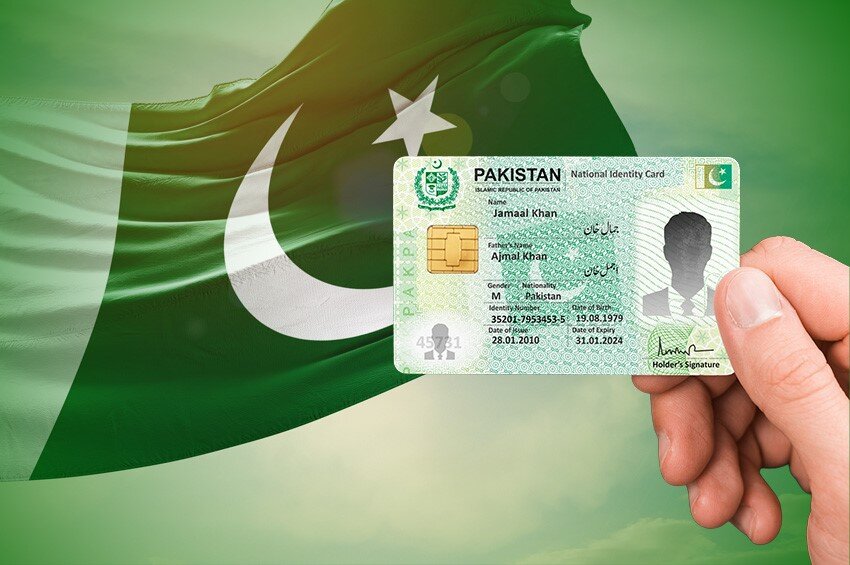
Step 2: Log In or Create an Account
- If you already have an account: Just log in using your email and password.
- If you don’t have an account: You’ll need to register. Click on “Create a new account” and provide your details.
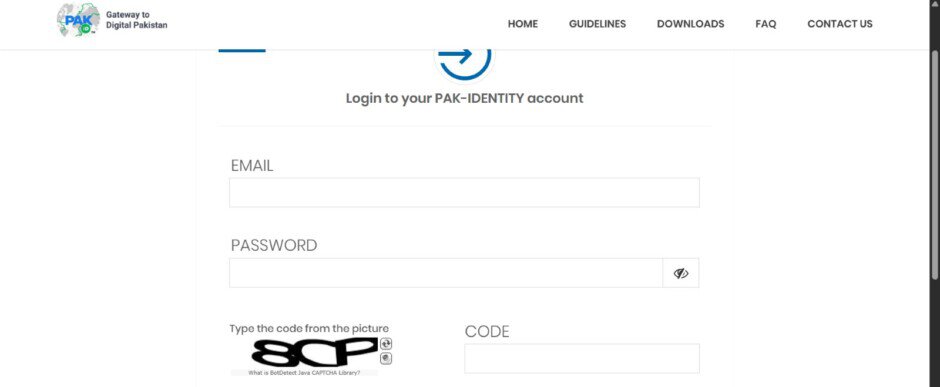
Step 3: Start the CNIC Renewal Application
After logging in:
- Click on “Online CNIC”.
- Choose “My Identity Card has expired” from the list.
- Click on “Start New Application”.
Step 4: Fill Out the Application Form
Provide the following:
- Your personal details (name, father/husband’s name, date of birth, etc.)
- The delivery address where you want your CNIC to be sent.
- Make sure the information is accurate to avoid delays.
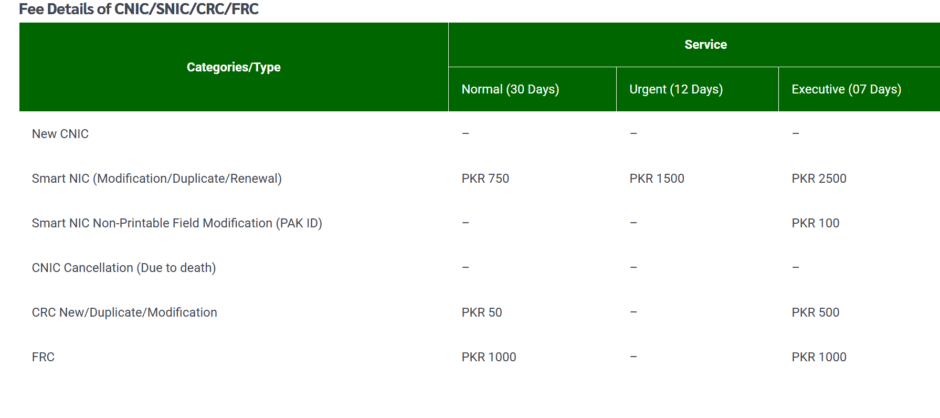
Step 5: Pay the CNIC Renewal Fee
You can pay the fee using:
- Credit card
- Debit card
- The fee depends on the type of delivery you choose (normal, urgent, or executive). For the latest fee structure, visit: https://id.nadra.gov.pk/fee/
Step 6: Upload Required Documents
You will need to upload:
1. Recent photograph
2. Fingerprint form – Download it from here: https://id.nadra.gov.pk/download/frc-fingerprint-form/. Print it, add your fingerprints, scan, and upload.
3. Urdu data form – Fill it out, scan, and upload.
4. Witness/Attester form – Required in some cases (especially for first-time applicants or if your information has changed).
5. Other supporting documents (like old CNIC copy, utility bill, etc. if required)
Step 7: Review and Submit
- Double-check all the details you entered.
- Carefully read the declaration.
- Click Submit to send your application.
What Happens Next?
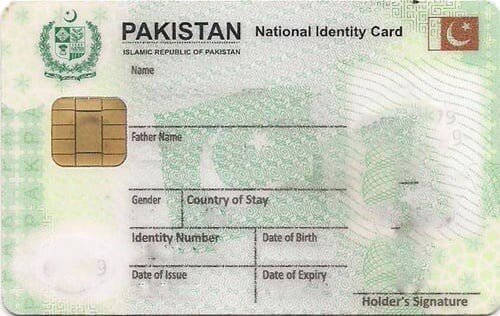
- Once your application is submitted successfully:
- NADRA will process your request.
- Your renewed CNIC will be delivered to the address you provided during the application.
- You can also track your application status through the NADRA portal.
What You Need for CNIC Renewal
Here’s a quick checklist:
- A recent passport-size photograph
- Scanned fingerprint form
- Attester form (if required)
- Urdu data form
- Valid credit/debit card for online payment
- A scanner or mobile scanning app for uploading documents
Other Services Available on NADRA’s Online Portal
Apart from CNIC renewal, you can also use the portal for:
- New NICOP (Overseas ID Card)
- Reprint of lost/stolen/damaged CNIC
- Modification of CNIC (update your name, address, etc.)
- Verification of CNIC
- Family Registration Certificate (FRC)
Important Tips
- Make sure your photograph and fingerprints are clear.
- Use a white background for the photo.
- Keep a digital copy of all uploaded documents for your record.
- NADRA may call you for verification or request additional documents, so check your email/SMS regularly.
Need Help?
- If you face any problems, visit the NADRA official help center: https://id.nadra.gov.pk/
- You can also contact NADRA through their helpline: +92 51 111 786 100