In Pakistan, many people rely on laptops not just for work but also for online classes, gaming, video streaming, and daily browsing. Over time, even the most reliable laptops start to slow down, freeze, or run out of battery faster than they used to. This can be frustrating, especially when buying a brand-new laptop is expensive. Fortunately, there are several ways to revive an old laptop and make it feel almost new without spending a fortune. With some smart choices and simple maintenance, you can extend your laptop’s life and improve its performance significantly.
Old laptops don’t necessarily mean outdated technology. Often, a laptop may feel slow because of software clutter, mismanaged storage, or simple wear and tear on parts like the battery or fan. By addressing these issues and applying a few affordable fixes, you can bring back speed, enhance battery life, and enjoy smooth performance for daily use, gaming, and work tasks.
This guide focuses on practical solutions suitable for users in Pakistan, from beginners to advanced users, all on a tight budget.
Why Laptops Slow Down Over Time
Software-Related Issues
One of the most common reasons laptops feel slow is software bloat. Over time, computers accumulate unnecessary files, background programs, and unused applications. These take up storage and memory, causing the system to lag. In Pakistan, many users also download multiple apps from unverified sources, increasing the risk of malware and adware, which can further slow down the laptop.
Another major factor is fragmented storage and outdated drivers. Traditional hard drives (HDDs) fragment files over time, making read/write processes slower. Even with newer SSDs, old software and outdated drivers can cause compatibility issues.
For Windows laptops, failing to install system updates or security patches can also reduce performance.
Mac users may experience slowdowns due to caches, old apps, or insufficient storage management.
Hardware Limitations
Some slowdowns are due to physical hardware limitations. Older laptops often have:
- Limited RAM: Running multiple applications simultaneously can overwhelm an old RAM setup.
- Aging hard drives: Mechanical HDDs degrade over time, affecting speed and reliability.
- Thermal issues: Dust in fans, old thermal paste, or blocked vents can cause overheating. Overheating makes the processor throttle performance to protect itself.
In Pakistan, where laptops are often used in warm environments or on beds and sofas, poor ventilation is a frequent problem that contributes to heat build-up and performance drops.
Common Mistakes That Hurt Battery Life
A laptop’s battery is often the first component to feel “old” because of user habits. Here are common mistakes that shorten battery life:
- Overcharging: Leaving your laptop plugged in for long hours, even when fully charged, can degrade the battery.
- Heavy apps on battery: Running high-performance games or rendering software without plugging in stresses the battery.
- High brightness and background apps: Keeping the display at maximum brightness and allowing many background apps drains power quickly.
- Poor ventilation: Heat not only slows performance but also reduces battery efficiency over time.
- Using the wrong charger: Using incompatible chargers with higher voltage can damage battery cells.
By avoiding these mistakes, you can maintain battery health and extend the time between charges.
Affordable Software Fixes to Speed Up Your Laptop
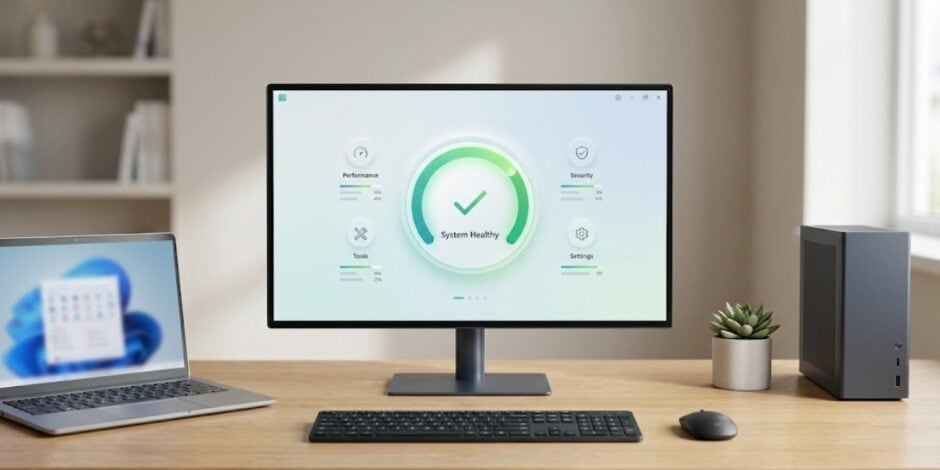
Even without hardware upgrades, software optimization can dramatically improve performance. Here’s what you can do:
Clean Up Your System
- Use built-in tools like Disk Cleanup (Windows) or Optimize Storage (macOS) to remove temporary files, cache, and old downloads.
- Uninstall programs you no longer use to free up disk space.
- Disable unnecessary startup programs that launch automatically and slow down boot times.
Manage Storage Efficiently
- Organize files into folders and delete duplicates.
- For Windows laptops, enable Storage Sense to automatically delete unnecessary files.
- On macOS, use iCloud Drive and local optimization to reduce storage load.
Lightweight Software Alternatives
- Replace heavy applications with lighter alternatives. For example:
- Use WPS Office instead of Microsoft Office for basic documents.
- Try Google Chrome Lite or Edge instead of multiple heavy browsers.
- Use lightweight media players for video playback.
Update Software and Drivers
- Install the latest system updates, drivers, and security patches.
- Updated drivers can improve performance, battery management, and compatibility.
- On Windows, use Device Manager or manufacturer websites to get the latest drivers.
- For macOS, regularly check System Preferences → Software Update.
Small Hardware Upgrades That Make a Difference
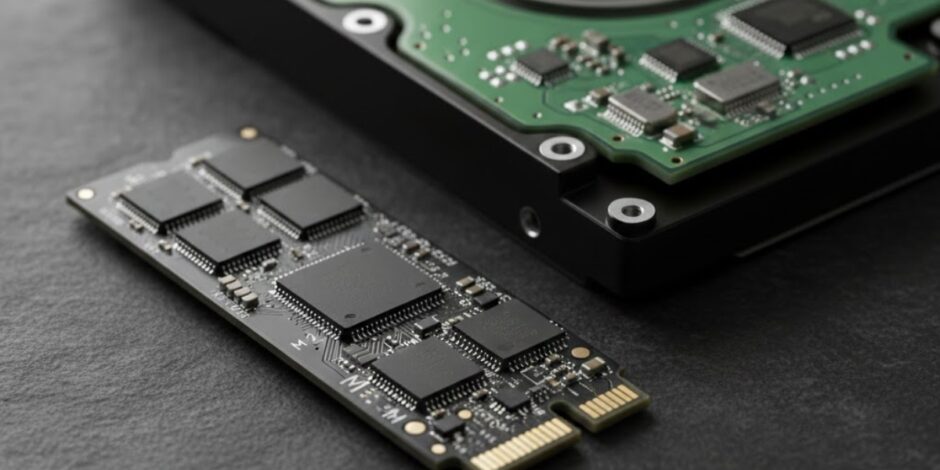
Some affordable hardware upgrades can significantly improve an old laptop’s performance:
Add More RAM
- Upgrading from 4GB or 8GB to 16GB RAM can drastically improve multitasking.
- In Pakistan, RAM upgrades are available locally for ₨5,000-₨15,000 depending on size and type (DDR3 or DDR4).
Replace HDD with SSD
- Swapping an old HDD with a 256GB or 512GB SSD improves boot times, app loading, and overall responsiveness.
- SSD prices in Pakistan start around ₨6,000 for 256GB and ₨15,000 for 512GB.
- This is one of the most cost-effective upgrades for a major speed boost.
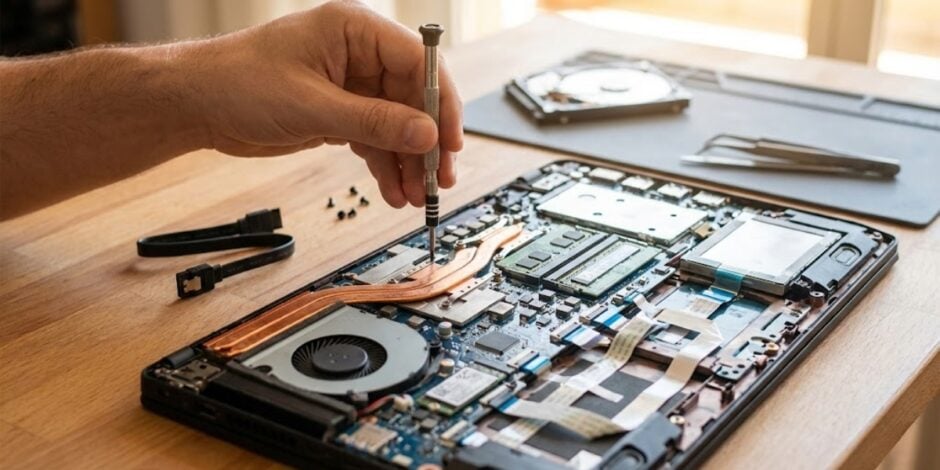
Clean Fans and Reapply Thermal Paste
- Dust accumulation reduces cooling efficiency. Clean fans and vents to prevent overheating.
- Reapplying thermal paste on the CPU/GPU can reduce temperatures by 10-15°C, allowing the processor to run faster.
- In Pakistan, a technician can do this for ₨1,500-₨3,000.
Battery Replacement
Laptop batteries typically last 2-4 years. If your battery drains too fast, consider a new genuine battery.
Prices vary by model in Pakistan: ₨8,000-₨20,000 for common brands like Dell, HP, Lenovo, and ASUS.
This makes laptops feel almost new again, especially if paired with SSD and RAM upgrades.
Tips for Daily Maintenance
- Keep your laptop cool: Avoid placing it on beds or carpets; use a cooling pad if necessary.
- Regular cleanup: Once a month, delete unnecessary files and run disk cleanup.
- Limit background apps: Close apps not in use to save memory and battery.
- Use power-saving modes: Windows and macOS offer modes that optimize battery life without drastically reducing performance.
- Keep software updated: Regular updates prevent security issues and improve performance.
When to Upgrade vs Replace
Even with all the fixes, sometimes a laptop has reached its practical limit. Consider replacement if:
- The processor is very old and cannot run modern software smoothly.
- Motherboard or GPU issues are causing frequent crashes.
- Battery replacement costs more than 30-40% of a new laptop’s price.
- The device cannot support the latest operating system updates.
For most moderate users in Pakistan, small upgrades like SSD, RAM, and battery replacements are enough to keep laptops usable for 3-4 more years. Heavy users may need to plan for a new laptop if multiple hardware components are failing.
Conclusion
Reviving an old laptop in Pakistan doesn’t have to be expensive or complicated. By understanding the reasons behind slow performance, avoiding common battery mistakes, performing software optimizations, and investing in small hardware upgrades, users can extend the life of their laptops significantly.
Whether it’s a student attending online classes, a professional working remotely, or a gamer needing smoother performance, these tips make it possible to enjoy a faster, longer-lasting laptop without spending a fortune. With some care and smart decisions, even a five-year-old laptop can feel almost like new again.