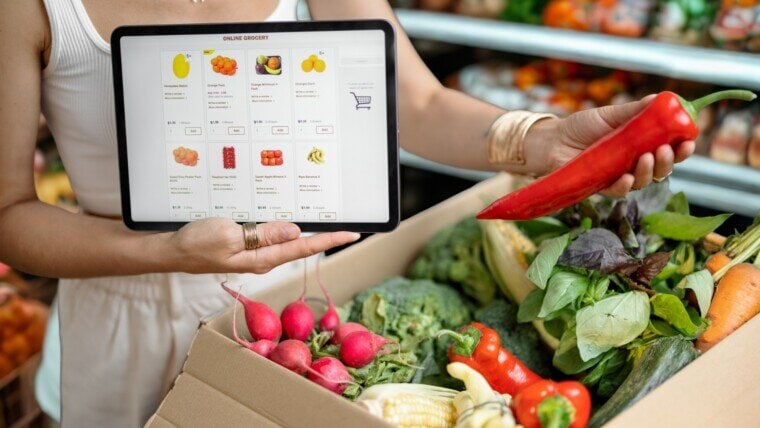
As internet connections become common in Pakistan, so does the convenience of buying groceries online. With numerous e-commerce platforms and dedicated grocery delivery services, shopping from the comfort of your home has never been easier. If you are wondering how to get on the bandwagon of getting groceries online, we present you this guide to walkthrough the step-by-step process.
Choosing an Online Grocery Store

Several online grocery stores operate in Pakistan, offering a wide range of products, including fresh produce, dairy, meat, and household essentials. It is important to choose a reliable service that delivers to your area and provides quality products.
Creating an Account
Before placing an order, you need to create an account on the selected platform:
- Visit the website or download the app from the Google Play Store or Apple App Store.
- Click on the “Sign Up” or “Register” option.
- Enter your details, such as name, phone number, and email address.
- Create a password and verify your account through an OTP (one-time password) sent to your phone or email.
Browsing Products and Adding to Cart

Once you are logged in:
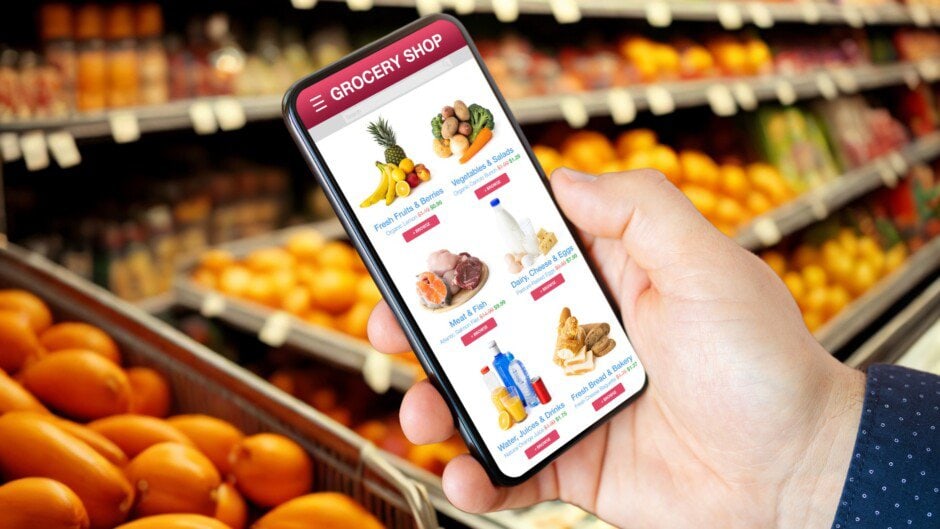
- Use the search bar to find specific products or browse through different categories such as fruits, vegetables, dairy, meat, and household essentials.
- Select the desired quantity and click on “Add to Cart.”
- Review your cart to ensure you have all the required items before proceeding to checkout.
Checking Out and Placing the Order
- Click on the “Cart” or “Checkout” button.
- Enter your delivery address and any additional instructions (e.g., “Deliver between 3-5 PM”).
- Choose your payment method:
- Cash on Delivery (COD) (available on most platforms)
- Credit/Debit Card Payment
- Mobile Wallets (JazzCash, Easypaisa)
- Bank Transfer (some stores offer this option)
- Apply any discount codes or promotions if available.
- Confirm and place your order.
Track Your Order
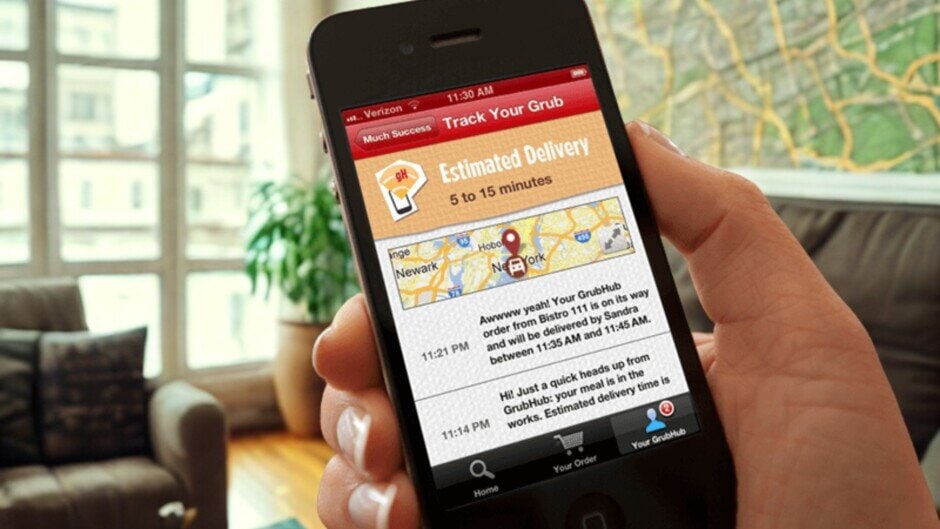
Most online grocery platforms provide order tracking features. You can:
- Check the “Orders” or “My Orders” section in the app/website.
- Receive SMS or app notifications with updates on your order status.
- Contact customer support if there are any delays or issues.
Receiving Your Order and Checking Items
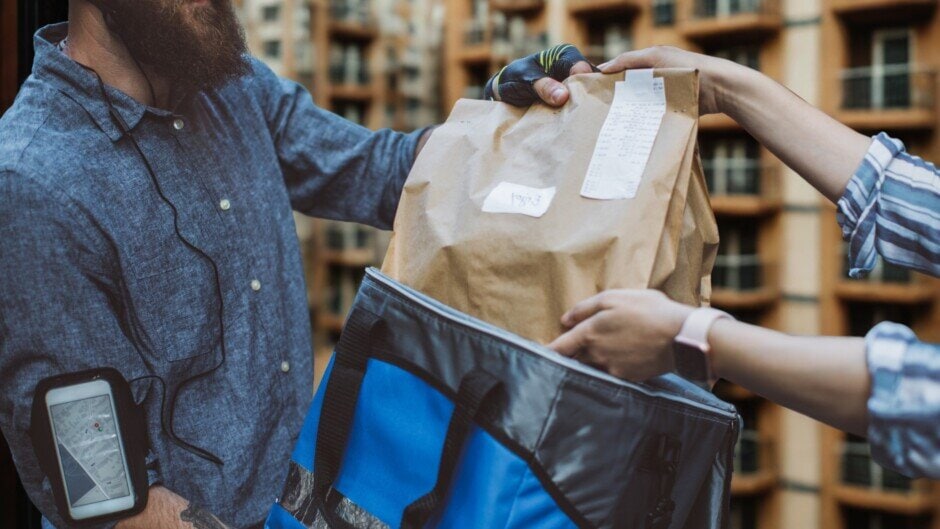
- When your order arrives, inspect the items to ensure they match your order.
- If paying cash on delivery, hand over the money to the delivery person.
- If there are any damaged or missing items, contact customer support immediately for a refund or replacement.
Tips for a Smooth Online Grocery Shopping Experience
- Check delivery areas: Ensure the service delivers to your location before placing an order.
- Compare prices: Different platforms may have varying prices, so compare to get the best deal.
- Order in advance: Delivery times may vary, especially during peak hours or holidays.
- Look for discounts: Many platforms offer promo codes, loyalty programs, or seasonal sales.
- Read reviews: Customer reviews help in assessing product quality and service reliability.
Conclusion
Online grocery shopping in Pakistan is a convenient and time-saving solution for busy individuals and families. By choosing the right platform, following the proper steps, and being mindful of delivery details, you can enjoy a seamless shopping experience from the comfort of your home.