Pakistan’s used laptop market can save anyone a lot of money, especially if you are a student or on a budget. You can find good deals on OLX, Daraz, Facebook Marketplace, and many other refurbish shops across Islamabad, Lahore or Karachi. Models such as Dell Latitude, HP EliteBook, Lenovo ThinkPad, and even MacBooks often appear at much lower prices than new ones.
However, the market has some real risks. Some sellers pass off heavily refurbished laptops as lightly used. Others sell units with repaired or fake parts. In some cases, counterfeit laptops are presented as genuine branded devices. Scams involving stolen parts, repaired motherboards, or mismatched specifications still happen frequently.
It is never a good idea to believe a vendor. A smart shopper knows where to get the tips and tricks to identify what laptop they are getting. This guide teaches you some of the simplest verification steps. Follow them carefully before you pay and always try to meet the seller in person. Never rush into a deal that looks too perfect.
Judge the Seller and Offer First
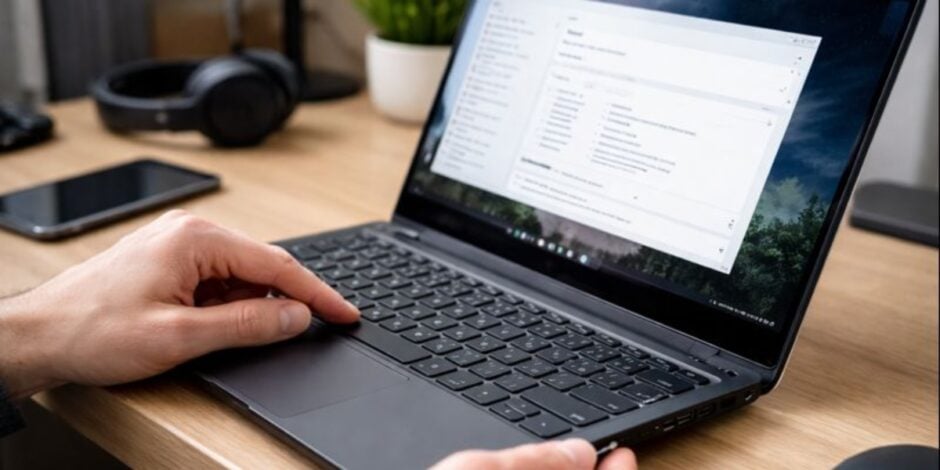
Start by judging the seller and the overall offer. On any online marketplace, be cautious if the seller refuses to meet face to face, as there have been countless incidents where people got robbed or scammed via online platforms.
Watch out when they demand advance payment through a fintech service such as JazzCash or EasyPaisa. Prices that are far below normal market value should raise suspicion. For example, a 2023 i7 laptop sold at half price is usually not genuine. Vague descriptions like “imported fresh” without clear specs or real photos are another warning sign.
Sellers who push you to decide quickly or share dramatic stories about urgent travel often have something to hide. Common scams involve fake listings that use stolen photos. Some trick buyers into overpayment and then ask for a refund. Others deliver a completely different or broken device. For your safety, pay only after you have inspected everything.
Use cash or a trusted handover method. Reputable sellers usually provide original boxes, warranty receipts, or allow a few days for testing. If the seller avoids questions about the laptop’s history or past repairs, it is better to walk away.
Check the Physical Condition Carefully
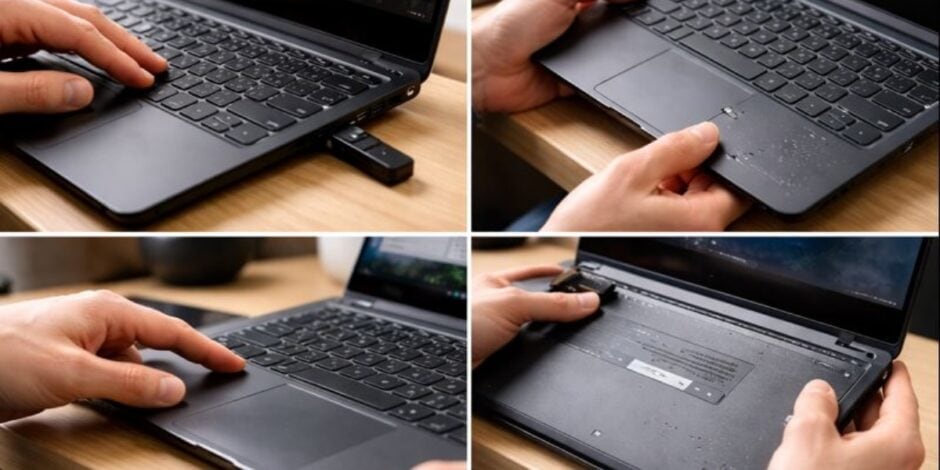
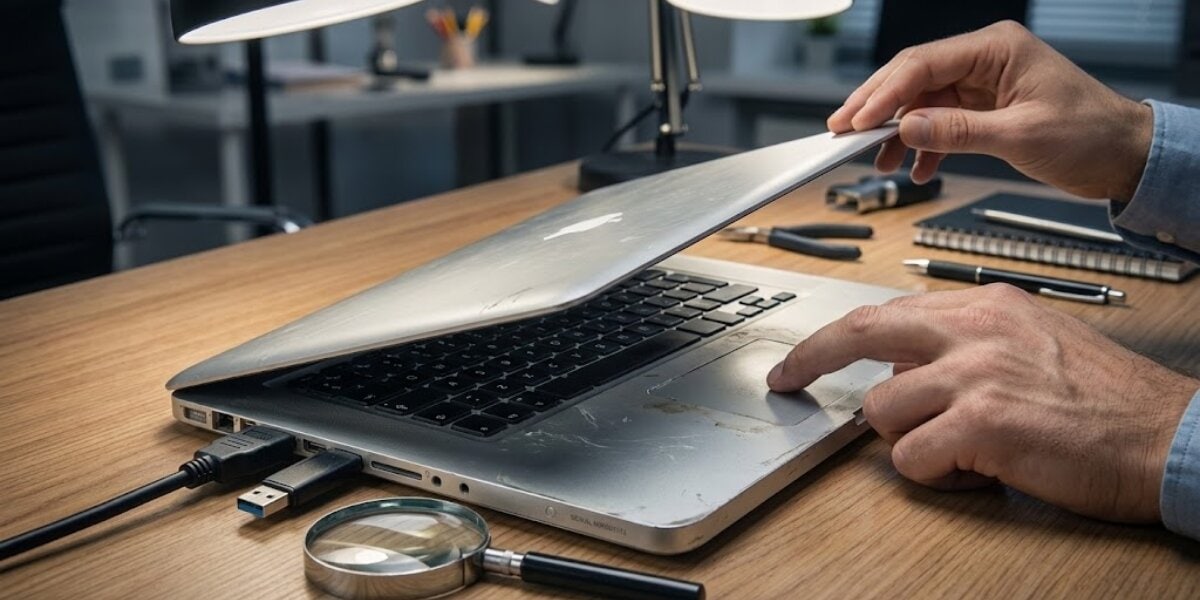
Next, inspect the laptop’s physical condition under good lighting. Genuine used laptops show honest signs of wear. Refurbished or fake units often have strange inconsistencies. Check for uneven scratches or mismatched levels of wear. For instance, worn keyboard keys paired with a spotless body can mean parts were replaced. Look for loose hinges, a wobbly screen, or a creaky chassis. These suggest heavy use or poor reassembly after repair.
Poorly repainted surfaces or overspray are frequent on refurbished models. Examine the bottom labels carefully. Genuine laptops have clear model numbers, serial numbers, and regulatory marks. Fake units may show blurry printing or incorrect fonts. Test every port, button, and feature. Plug in USB drives, HDMI cables, and SD cards. Press the power button and move the trackpad. Make sure nothing feels loose or sticky.
Turn on the screen and look for dead pixels, backlight bleeding, or odd colors. Use online test images to fill the screen with white or black. Type quickly on the keyboard to check for mushy or unresponsive keys. Heavy wear on palm rests and trackpad combined with suspiciously low battery usage often points to replaced components or a refurbished unit.
Verify the Serial Number and Manufacturer Details
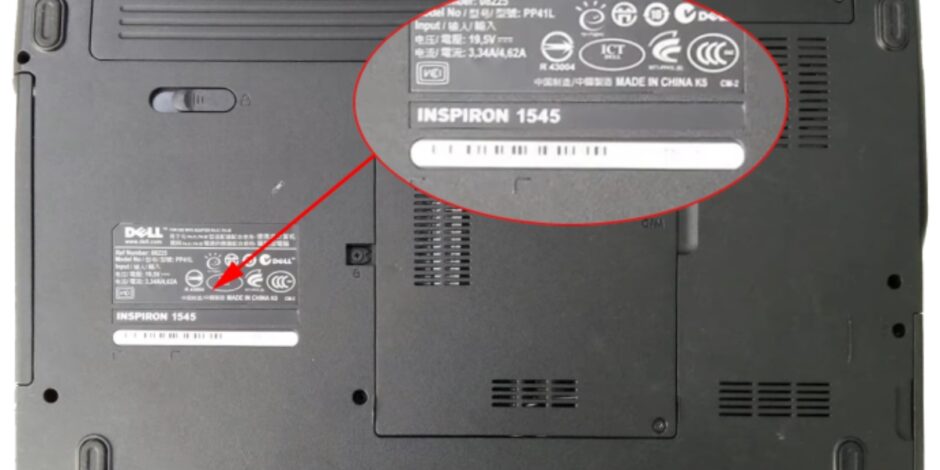
Always verify the serial number and manufacturer records. Every real laptop has a unique serial number, sometimes called a Service Tag for Dell or Product Number for HP. You can find it on the bottom sticker, inside the battery compartment, or through software. In Windows, press Win + R, type “cmd”, and run the command wmic bios get serialnumber.
You can also check it in BIOS by restarting and pressing F2, Del, or F10. On a Mac, go to About This Mac, then System Report, and look under Hardware Overview. Use the serial number on the official support website. For Dell, visit dell.com/support and enter the tag. For HP, use support.hp.com/checkwarranty. Lenovo has support.lenovo.com, and Apple uses checkcoverage.apple.com. These lookups reveal the original ship date, warranty status, and factory configuration.
Red flags include no valid serial number, mismatched specifications, or a ship date much older than the seller claims. If the laptop traces back to a corporate fleet or a refurbished outlet, ask the seller to explain. Specs that do not match the lookup result are a clear sign of fraud.
Examine Battery Health and Cycle Count
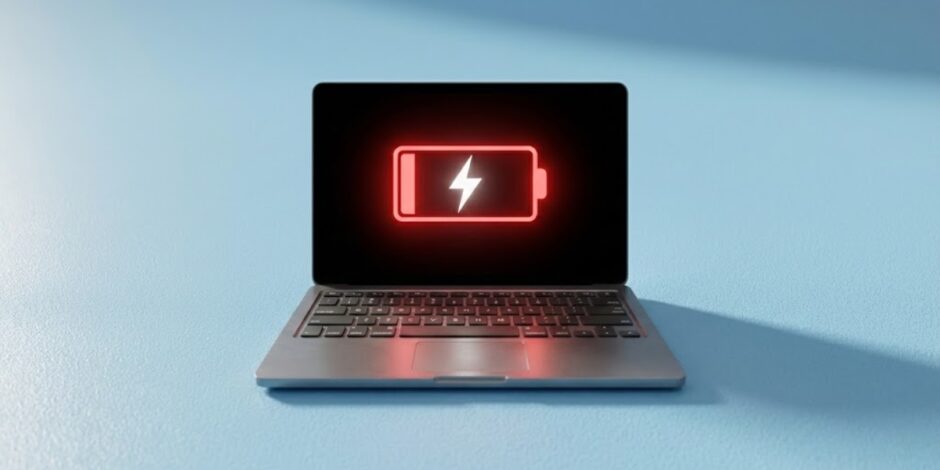
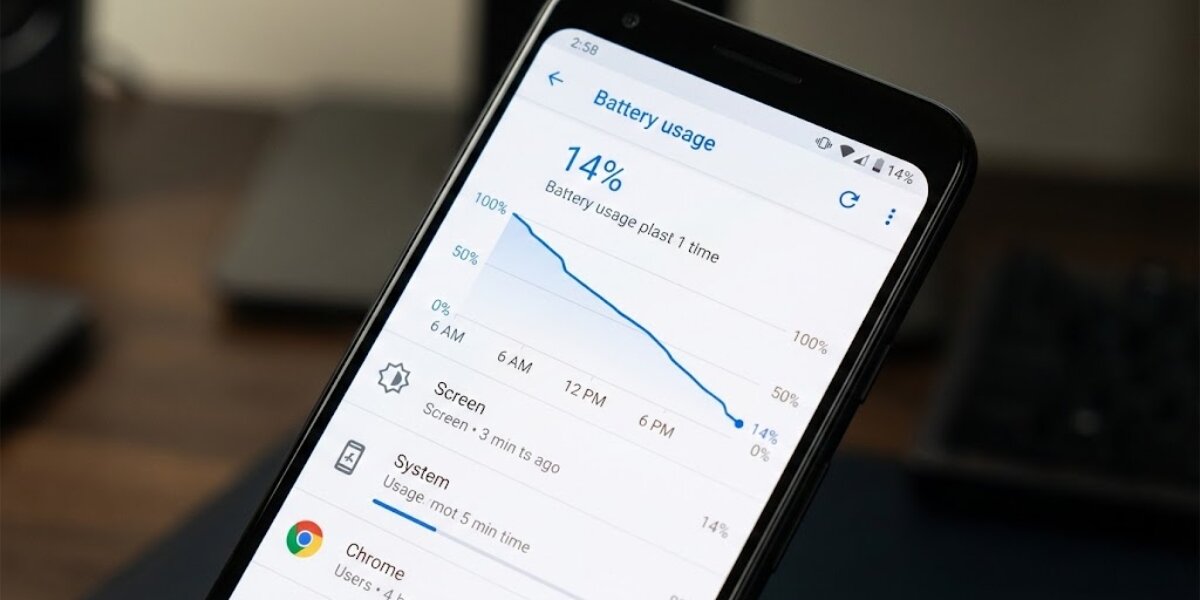
Battery health tells you the real usage story. Batteries are hard to fake completely. On Windows laptops, open Command Prompt as administrator and type powercfg /batteryreport. Open the HTML file it creates in your user folder. Check the Cycle Count under Installed batteries. Compare Design Capacity to Full Charge Capacity to see the current health percentage. Normal used laptops usually show 300 to 500 cycles with 80% or better health. Over 800 to 1,000 cycles often means heavy prior use.
On a Mac, hold Option, click the Apple menu, choose System Information, then Hardware > Power to see Cycle Count and Condition. A zero cycle count on a visibly worn laptop strongly suggests a new battery was installed during refurbishment. Fake batteries sometimes have poor printing, missing branding, or unrealistic capacity claims. Test the battery in real use. Charge it to 100%, unplug it, and run demanding tasks like streaming video with multiple tabs open. Note how long it lasts. Poor performance here is another warning.
Inspect BIOS and System Information

Enter the BIOS to uncover hidden clues. Restart the laptop and press the key to enter BIOS setup, usually F2, Del, or F10. Look at the manufacture date or build date shown there. Check the System SKU or Model number. Some brands mark refurbished units in specific ways. Verify that the listed hardware matches what the seller described. Look for generic motherboard names instead of proper Dell, HP, or Lenovo branding. In Windows, run msinfo32 to open System Information. Check the BIOS Version/Date and System Manufacturer/Model. Tools like CPU-Z or HWiNFO give even more detail. A BIOS date that is much newer than the claimed purchase date can mean the seller recently flashed it to hide history. Locked BIOS options or missing advanced settings sometimes appear on corporate or refurbished units.
Run Final Performance and Software Tests
Finally, test performance and software thoroughly. Here are the key steps to follow:
- Boot the laptop and run benchmark programs such as Cinebench for the CPU or CrystalDiskInfo for the drive health.
- Open Task Manager to confirm the real amount of RAM and the exact CPU model.
- Make sure Windows is properly activated in Settings > Update & Security > Activation.
- Test the webcam, microphone, speakers, and Wi-Fi connection for full functionality.
- Run a stress test like Prime95 or AIDA64 for 15 to 20 minutes. Watch for excessive heat, loud fans, or sudden throttling.
- Check for pirated Windows versions, unusual bloatware, or suspicious programs.
- Look for the original recovery partition (its absence is a concern).
Safe Buying Tips for Pakistan
Follow these practical tips for a safe purchase in Pakistan:
Meet the seller and test the laptop for at least one to two hours. Ask for the original charger, box, and any receipts. Choose shops that offer a return policy over random online sellers. For imported used or refurbished laptops, confirm PTA approval if required. Keep some budget aside for possible battery or SSD replacement later. Remember that not all refurbished units are bad. Certified refurbished laptops from trusted sellers can give excellent value with a warranty.
The real problem is hidden refurbishment, fake parts, or outright scams. Use these checks one by one. Trust the evidence you see, not just the seller’s words.
If anything feels wrong, walk away. A careful inspection can save you thousands of rupees and give you confidence in your purchase.