Picture this: You’re binge-watching your favorite show, but the stream keeps buffering like it’s stuck in molasses. You check your speed, and find it tanking. You naturally wonder if it is your neighbor “borrowing” your Wi-Fi to download the entire Marvel cinematic universe? Or worse, a sneaky hacker lurking in the shadows, siphoning your data for malicious purposes?
In 2025, with cyber threats evolving faster than a viral TikTok dance, Wi-Fi theft has become a gateway to serious privacy nightmares. Which is why this guide will show you how to spot thieves, fortify your network like a digital fortress, and reclaim your bandwidth.
We’ll dive into stats that might make your jaw drop, practical steps that even a tech novice can follow, and breakdowns to ensure your home Wi-Fi is secure above all else. Let’s turn that “open network” vibe into “impenetrable shield” mode, because nobody likes uninvited digital guests crashing the party.
The Sneaky Signs: Is Your Wi-Fi Being Pilfered?
Wi-Fi theft (or “piggybacking”) happens when unauthorized users hop onto your network, slowing it down or accessing your devices. Here are the red flags to watch for:
Sluggish Speeds Out of Nowhere
If your internet crawls during peak hours but your ISP swears everything’s fine, someone might be leeching your bandwidth. A Kaspersky report shows that 13.7% of Pakistani users faced web-based threats, often starting with unauthorized network access.
Mystery Devices on Your Network
Log into your router’s admin panel (usually at 192.168.1.1) and check connected devices. Spot an unfamiliar “GuestLaptop123” or any other device name which looks suspicious. Remove it immediately.
In Pakistan, with over 5.3 million on-device attacks reported between January and September 2025, unknown connections could signal bigger breaches.
Unexpected Data Usage Spikes
If your monthly data cap evaporates faster than ice cream in Pakistani summer heat, investigate. Tools like your router’s built-in monitor or apps like GlassWire can reveal culprits.
Weird Network Behavior
Random disconnections, unfamiliar pop-ups, or devices acting possessed? It most likely is a freeloader or hacker. Globally, 40% of Americans reported security incidents after using public Wi-Fi in 2024, but home networks aren’t immune, with similar risks in Pakistan’s urban hubs.
Higher Bills or Overheating Router
Excessive usage from thieves can spike your electricity bill or wear out your hardware. If your router feels hotter than a tandoor oven, it’s working overtime.
Spotting these early is like catching a pickpocket before they snag your wallet.
Why Wi-Fi Theft Is No Joke
Think Wi-Fi theft is harmless? Think again. Multiple reports have shown that a simple home network compromise is a portal to data breaches, identity theft, and financial ruin.
In 2025, cyber attacks in Pakistan surged by 17% from 2023, with 16 million blocked incidents reported by leading firms. Globally, the FBI’s annual Internet Crime Report noted over 859,000 complaints with losses exceeding $16 billion (a 33% increase!) any tied to network vulnerabilities like weak Wi-Fi.
In Pakistan, data breaches are rampant: A May 2025 global breach exposed 180 million users’ credentials, including Pakistanis, via infostealer malware targeting Google, Microsoft, and banking services. Home networks are prime targets with13.7% of Pakistani users faced with some sort of web-based threats in Q3 2024, often from compromised Wi-Fi. SAMENA Council reported 550 phishing attacks, 300 DDoS incidents, and 200 ransomware intrusions in the telecom sector alone.
Identity theft costs Pakistan billions annually, with stolen data sold for as low as Rs. 500 on the dark web. A 2025 press study noted 5.3 million on-device attacks and 2.5 million web threats from January to September. For homes, weak Wi-Fi leads to “evil twin” attacks or man-in-the-middle schemes, where hackers intercept data like bank details.
Funny enough, it’s like leaving your front door unlocked in a neighborhood of nosy neighbors, except these “neighbors” could drain your bank account while you sleep.
Locking Down Your Wi-Fi: A Step-by-Step Guide to Fort Knox-Level Security
Here’s a foolproof, step-by-step guide to securing your home Wi-Fi in 2025. We’ll break it down like a recipe; easy, sequential, and with tips to avoid common pitfalls. Grab your router manual, and let’s get started.
Access Your Router’s Admin Panel (The Control Room)
Log in via a browser (usually 192.168.1.1 or 192.168.0.1) using default credentials (often “admin/admin”, change this ASAP!). If you’re in Pakistan, Jazz or PTCL routers might use “admin/ptcl” or similar. Check your provider’s site. Once in, you’re the boss.
Change Default Credentials (The First Line of Defense)
Swap the factory username and password for something strong which can be a mix of uppercase, lowercase, numbers, and symbols (e.g., “P@k1st@nW1f1R0cks2025!”). Why? Defaults are hacker catnip, which means a simple word or a string of numbers are easier for them to crack. Randomness is unpredictable. A 2025 stats show 25% of breaches start with bad or company-assigned log-in credentials.
Upgrade to WPA3 Encryption (The Invisible Shield)
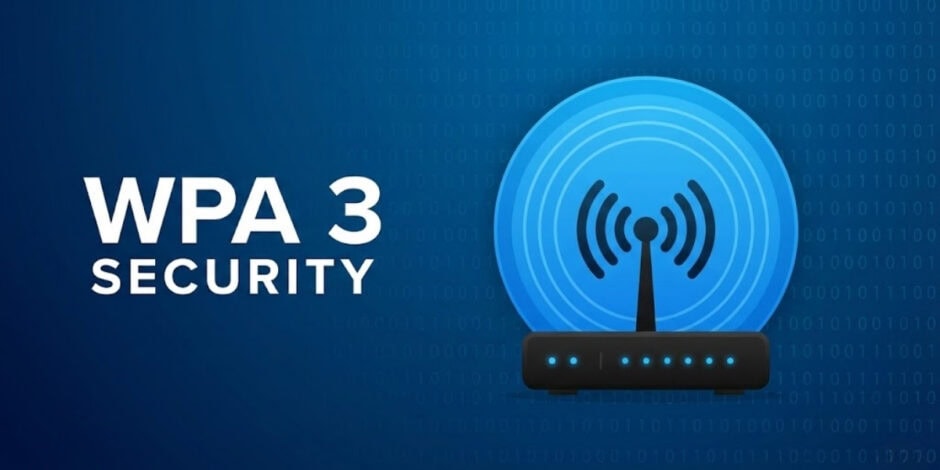
Head to wireless settings and switch to WPA3 Personal (or WPA2 if your devices are older). WPA3, the probable 2026 standard, uses stronger encryption to thwart brute-force attacks (FTC Consumer Advice). Disable WPS, it’s a known vulnerability. In Pakistan, with 17% cyber attack surge, WPA3 cuts risks by 50% as per Kaspersky 2025 report. WPA3 encrypts each connection individually, so even if one device is hacked, others stay safe, very much like individual vaults in a bank.
Set a Strong Network Name (SSID) and Password (Your Secret Code)
Change the SSID from “Default_Router” to something unique but not revealing (avoid “[Your Name]’s Wi-Fi” to dodge targeted attacks). For the password, aim for 12+ characters with variety. Tools like LastPass generate them for free. Hide the SSID if possible (though it’s not foolproof, hackers can still find it).
Update Router Firmware Regularly (The Patch-Up Job)
Check for updates in the admin panel or via your router’s app. Enable auto-updates if available. Firmware fixes vulnerabilities.
Enable Guest Network and Device Isolation (The VIP Lounge)
Create a guest network for visitors. What it does is limit your router’s bandwidth and isolate it from your main network. Use MAC address filtering to whitelist devices. For IoT gadgets (smart bulbs, cameras), segment them properly, e.g., prevent a hacked bulb from accessing your laptop. Since not many users have smart homes in Pakistan, this is the least probable attack scenario, however, it can happen.
Monitor and Manage Connected Devices (The Bouncer Role)
Use apps like Fing or your router’s dashboard to scan for intruders. Set alerts for new connections. Regular scans can effectively cut risks by 40%. Here’s how you can go about it:
Add a VPN for Extra Privacy
Install a VPN on your router for network-wide encryption. This masks your IP and secures public Wi-Fi use. VPNs tunnel your traffic through secure servers, making it unreadable to thieves.
It is crucial to mention here that since government is in the process of finalizing which VPNs can work effectively in the current year, we might see a proper list of allowed VPNs in the coming months.
Disable Remote Management and UPnP
Another way to monitor your connection better is to turn off remote admin access. Hackers love exploiting a remote entry point. Disable UPnP (Universal Plug and Play), which auto-opens ports for devices but invites vulnerabilities. 2025 stats show that UPnP enabled 20% of home breaches globally.
Regular Security Audits and Backups
Scan your network weekly with tools like Wireshark or Nmap. Backup router settings and enable firewall.
Follow these steps, and your Wi-Fi will be more secure than a dragon’s hoard. But privacy doesn’t stop at the router alone, which means you need the following tips too that go beyond router safety.
Achieving Wi-Fi Privacy: Beyond the Basics
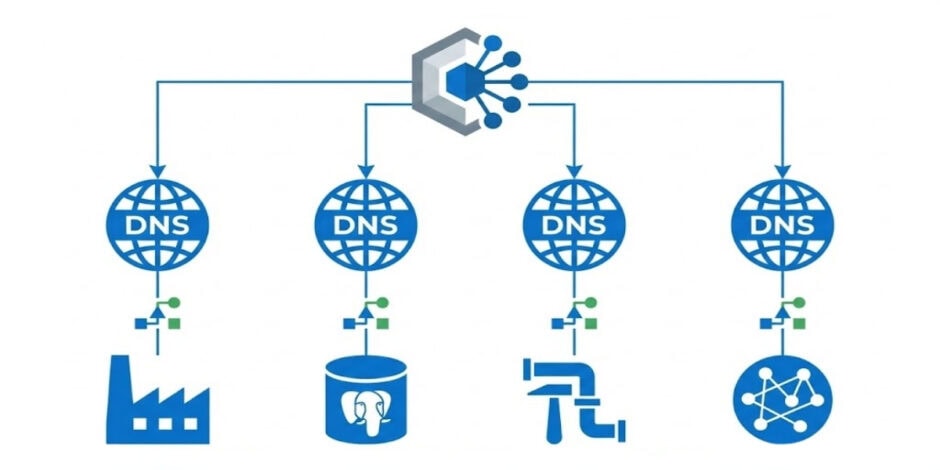
Privacy is the secret sauce to security, which means it’s not just about blocking thieves, but ensuring your data stays yours. In 2025, with global losses from breaches at $16 billion (FBI IC3), privacy tools are essential.
- Use Private DNS: Switch to encrypted DNS like Cloudflare (1.1.1.1) or Google (8.8.8.8) in router settings to block tracking. This prevents ISPs from logging your visits, reducing risks by 50%.
- Enable MAC Randomization: On devices, randomize MAC addresses to avoid tracking. Android and iOS do this automatically in 2026; enable it for all.
- Block Ads and Trackers: Install Pi-hole on a Raspberry Pi or use browser extensions like uBlock Origin. This cuts data collection by 80%.
- Secure Smart Devices: Change defaults on IoT gadgets and use VLANs to isolate them.
- Regular Password Rotations and 2FA: Rotate Wi-Fi passwords monthly and enable two-factor authentication on the router if supported. Tools like Authy make it seamless.
- Monitor for Breaches: Use Have I Been Pwned? to check if your email or number’s leaked.
These steps turn your network into a privacy paradise; think of it as a VIP club where only invited guests (your devices) get in.
Staying Vigilant, Staying Secure
Securing your Wi-Fi is like maintaining a garden. If you neglect it, and weeds (hackers) take over, it will take double the effort and a lot of pain to fix it. With stats showing 5.3 million attacks in Pakistan, proactive steps save you from unnecessary data loss.
So, grab that coffee, log into your router, and fortify your digital domain. Keep the drawbridge up, and enjoy the peace of mind. Happy (secure) surfing!