
As we head into 2026, the battle for online privacy has never been fiercer. Online marketers relentlessly track browser activity through cookies, IP addresses, device identifiers, and fingerprinting to build profiles for monetization and targeted ads. Google Chrome, despite its dominance with over 65% market share, remains a primary culprit. Its “Privacy Sandbox” and ad topics still enable tracking, while Manifest V3 weakens ad blockers. Privacy experts agree that even the infamous incognito modes offer no real protection against trackers or surveillance.
In search of other browsers that are more attuned to privacy, here are some Chrome alternatives that excel at blocking trackers. These are perfect for users seeking best browser for privacy or anti-tracking browser options.
In Pakistan, where more than 100 million internet users navigate ISP logging, occasional content restrictions, and growing cybersecurity risks, these browsers provide straightforward anonymity. All are available for free download from official websites or app stores like Google Play and Apple App Store, functioning effectively on local networks without requiring VPNs for standard use.
1. Brave Browser: Fastest Chrome Alternative with Built-in Ad Blocking
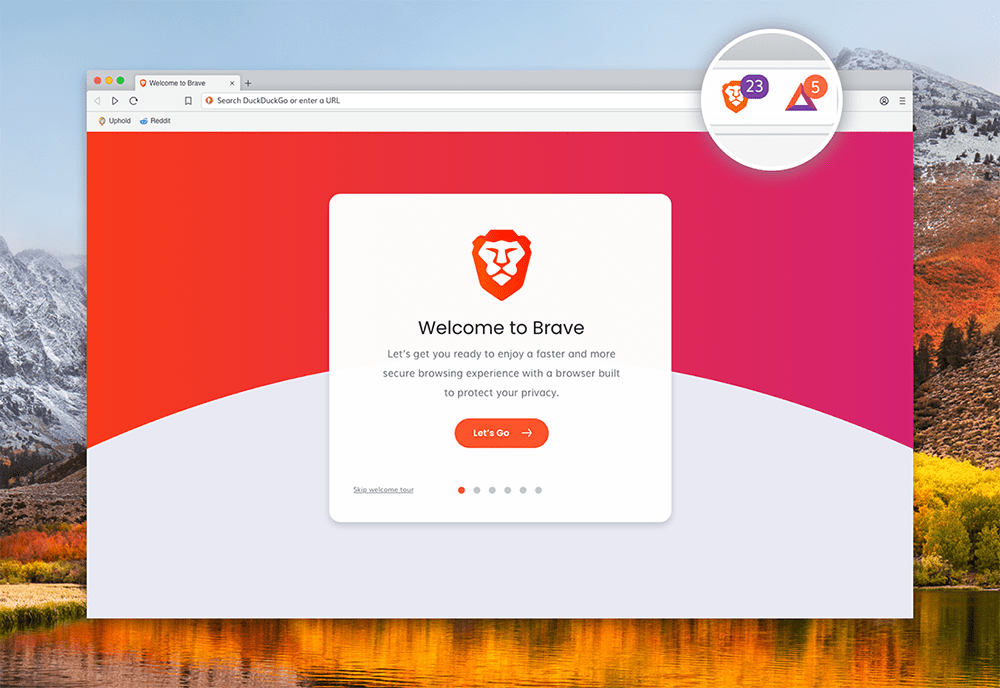
Brave was founded in 2015 by Brendan Eich, the creator of JavaScript and former Mozilla CEO. Launched publicly in 2016 as a Chromium-based browser, it quickly gained traction by blocking ads and trackers by default while introducing innovative features like cryptocurrency rewards for opt-in ads.
Brave stands out as the best privacy browser 2026 for everyday users. Its Chromium foundation delivers a familiar interface, yet it loads pages 3–6x faster by blocking ads and trackers automatically.
Key privacy features in 2026:
- Advanced Shields for customizable blocking of trackers, cookies, scripts, and cryptominers
- Fingerprint randomization: alters your digital signature per session to evade advanced tracking
- Private windows with Tor integration for complete anonymity
- HTTPS Everywhere enforced by default
- Zero telemetry: no data collection at all
- Built-in VPN (via subscription) and automated cookie consent handling
Platforms: Windows, macOS, Linux, Android, iOS.
Availability: Easily download from brave.com or the Play Store. It’s especially favored for reducing data usage on ad-heavy sites and mobile plans.
2. Mozilla Firefox: Open-Source Privacy Champion
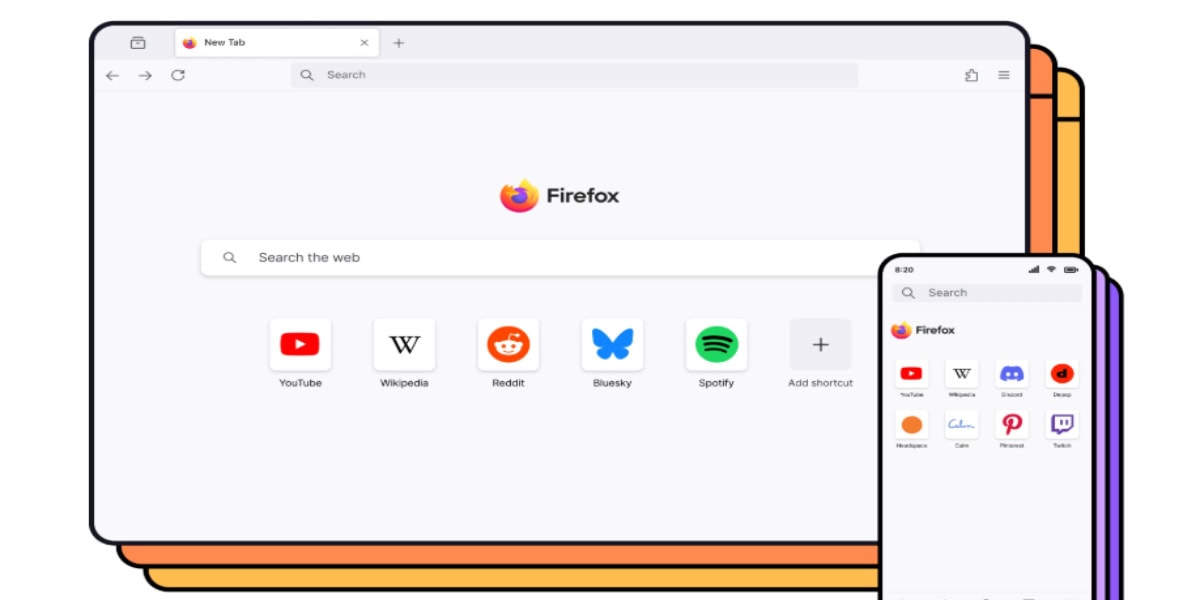
Mozilla Firefox traces its roots to 2002, when it emerged as “Phoenix” from the Mozilla community’s efforts to create a lightweight standalone browser separate from the full Mozilla Suite. Renamed Firefox in 2004, it rapidly challenged Internet Explorer’s dominance by emphasizing speed, security, and open-source principles.
Firefox, supported by the nonprofit Mozilla Foundation, prioritizes internet privacy without monetizing user data. Its Enhanced Tracking Protection halts cross-site trackers and fingerprinting effectively.
Key privacy features in 2026:
- Enhanced Tracking Protection (Strict mode): blocks cross-site trackers, cryptominers, and finger-printers
- Total Cookie Protection: confines cookies strictly to first-party sites
- DNS over HTTPS: encrypts DNS queries to shield them from ISPs
- Multi-Account Containers: isolates identities for different activities
- Minimal telemetry (fully disable options)
- Extensive extension support (uBlock Origin, Privacy Badger, ClearURLs)
Platforms: All major systems, with excellent mobile synchronization.
Availability: Firefox’s flexibility allows users to install additional privacy extensions for enhanced defense against local monitoring.
3. Tor Browser: Ultimate Anonymous Browsing Tool

The Tor Project originated in the early 2000s as a U.S. Navy research initiative for anonymous communication. By 2002–2003, it evolved into an open network, with the Tor Browser launching in 2008 to make onion routing accessible to everyday users.
Tor specializes in anonymous browsing, channeling traffic through volunteer nodes to conceal your IP entirely. It’s ideal for scenarios demanding high privacy.
Key privacy features in 2026:
- Onion routing: multi-layer encryption via three random nodes
- NoScript by default: controls JavaScript and risky scripts (adjustable security levels)
- Automatic per-session cookie and history clearing
- Uniform fingerprint resistance: ensures all users appear identical
- Built-in bridges to circumvent censorship
Platforms: Desktop and Android.
Availability: Excellent for navigating restricted content; download directly from torproject.org.
4. LibreWolf (or Mullvad Browser): Hardened Anti-Fingerprinting Fork
LibreWolf debuted in 2020–2021 as a community-driven fork of Firefox, aimed at eliminating telemetry and enforcing stricter privacy defaults from the outset.
This improvement to the basic Firefox provide out-of-the-box hardened configurations that surpass standard models, suiting users who demand maximum protection without manual adjustments.
Key privacy features in 2026:
- Complete telemetry removal: no data transmission ever
- uBlock Origin pre-installed with strict filters
- resistFingerprinting activated: masks canvas data, fonts, and hardware details
- HTTPS-Only mode and First-Party Isolation
- Letterboxing to counter window-size tracking
- No auto-updates or cloud features (full local control)
Platforms: Primarily desktop-focused.
Availability: Get from their official website, but combine with a free VPN for robust everyday safeguards against ISP surveillance.
5. DuckDuckGo Privacy Browser: Simple, Mobile-First Protection
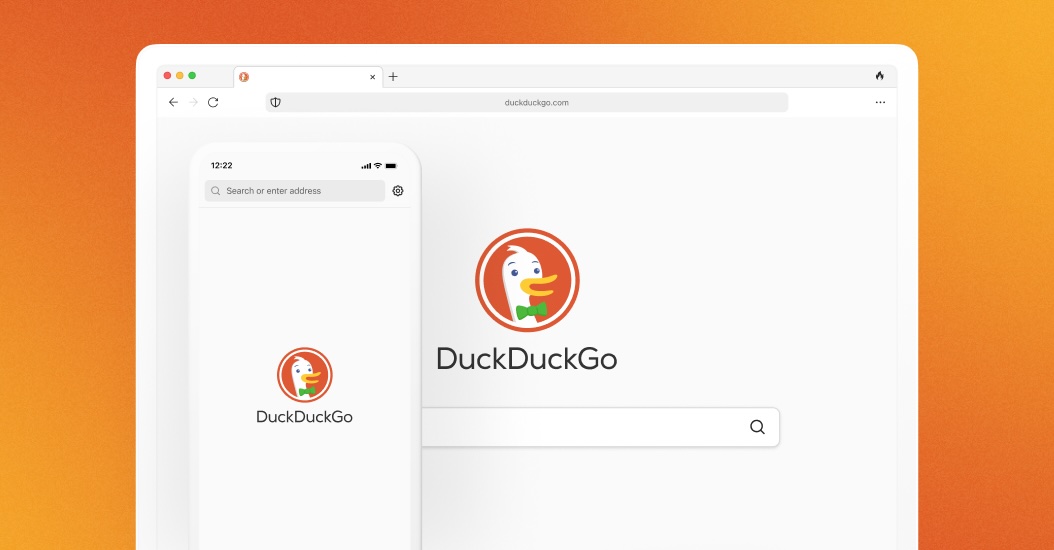
DuckDuckGo launched its privacy-focused browser in 2018, building on the company’s renowned private search engine established in 2008, to deliver seamless tracker blocking across devices. DuckDuckGo’s browser prioritizes encryption, tracker blocking, and effortless data clearing.
Key privacy features in 2026:
- Tracker Radar database halts hidden third-party scripts
- Fire Button: one-tap erasure of tabs, history, and cookies
- Global Privacy Control signal enforcing do-not-track
- Email and GPS safeguards (masks real information)
- Site privacy grades (A–F) for immediate evaluation
- Forced HTTPS and removal of link tracking
Platforms: Strong on Android/iOS, reliable desktop.
Availability: Download from their official website, however, its lightweight mobile design conserves data, making it ideal for budget smartphones.
Common Issues with Using Privacy Browsers in 2026

Privacy browsers like Brave, Firefox, Tor, LibreWolf/Mullvad, and DuckDuckGo offer strong protection against tracking, fingerprinting, and data collection. However, they come with trade-offs that can affect usability, performance, and convenience.
1. Performance and Speed Problems
Many privacy browsers sacrifice speed for security.
Tor Browser: Routing through multiple volunteer nodes causes significant latency—pages load much slower than standard browsers. This is a core design feature for anonymity, but it frustrates everyday tasks like streaming or quick searches.
LibreWolf/Mullvad Browser: Hardened settings and fingerprint resistance can slow rendering on complex sites.
General issue: Aggressive blocking of scripts/trackers delays JavaScript-heavy pages, leading to slower overall experience compared to Chrome.
2. Website Compatibility and Breakage
Strict privacy measures often interfere with site functionality.
Brave: Built-in Shields sometimes break pages (e.g., login forms, videos, or dynamic content), requiring manual per-site adjustments.
Tor/LibreWolf/Mullvad: Uniform fingerprinting and script blocking trigger CAPTCHAs, Cloudflare challenges, or outright blocks on banking/payment sites.
DuckDuckGo: Tracker blocking can cause layout issues or prevent features like embedded videos. Users frequently report needing to disable protections temporarily, reducing privacy benefits.
3. Limited Features and Customization
Privacy focus means fewer conveniences.
Tor/Mullvad/LibreWolf: Restricted extensions (to avoid fingerprint changes) limit add-ons; no easy sync or auto-updates in hardened modes.
DuckDuckGo: Lacks robust extension support compared to Firefox/Chrome; basic interface with fewer tools.
Brave: Crypto rewards and AI features feel intrusive to some purists.
4. Trust and Past Controversies
Company actions raise doubts.
Brave: Criticized for past affiliate link hijacking, crypto push, and CEO statements (some privacy communities distrust its for-profit model).
DuckDuckGo: 2022 scandal allowed Microsoft trackers due to partnerships; search results rely on Bing (less accurate/personalized).
Firefox: Telemetry (can be disabled) and Mozilla’s Google funding dependency concern hardcore users.
5. Other Drawbacks
Mobile limitations: Some (e.g., LibreWolf) lack strong mobile versions.
Overkill for casual use: Strict modes trigger frequent CAPTCHAs or errors.
Privacy browsers excel at protection but require compromises. They are ideal for high-concern users, less so for seamless daily browsing. If you pair them with VPNs, you will get better privacy results. However, you would need to experiment to find the best one.
For us, here is the clear winner, despite the challenges:
Privacy Browser Winner: Brave Takes the Crown
Based on multiple sources including PCMag (2025), ZDNET, PrivacyTests.org, and EFF tests, Brave emerges as the overall winner for the most comprehensive privacy features in everyday use.
It consistently scores highest in out-of-box tracker blocking (143/156 on PrivacyTests.org), fingerprint randomization, and usability, making it the top recommendation for most users switching from Chrome.
The web in 2026 is going to be more tracked than ever. We have seen how cybersecurity measure melted away in front of AI-coordinated malware attacks that took down major parts of the internet (multiple times!) to no end in sight. On top of all that, every search, every click, and every video anyone watches, has some digital footprint traced at some level.
With these privacy browsers, let us embrace the fact that our data is ours, and we need to stop giving it away for free.