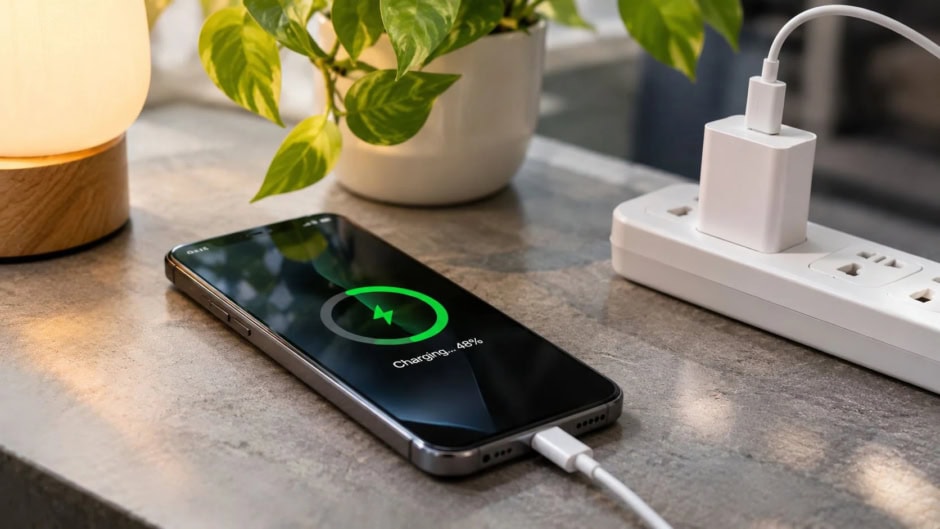
Leaving a smartphone fully charged for extended periods can increase battery wear. Lithium-ion batteries experience more stress when they remain at full capacity. Smartphone makers have introduced charging limits to reduce this problem.
Apple offers charging limits between 80% and 100% on the iPhone 15 and newer models. Users can find them under Settings > Battery > Charging. Older iPhones offer Optimized Battery Charging under Settings > Battery > Battery Health & Charging.
Google Pixel users can enable Adaptive Charging or Limit to 80% under Settings > Battery > Battery health > Charging optimization. The 80% limit is available on Pixel 6a and newer models.
Samsung Galaxy phones running One UI 6.1 or later also include battery protection options. Users can select Settings > Battery > Battery protection and enable Maximum mode. This option stops charging at 80%.
However, limiting the charge also means less battery capacity throughout the day. Users may prefer full charging when they expect longer days away from a power source.
Waiting until the battery reaches 0%
Modern smartphone batteries do not need to reach 0% before users recharge them. In fact, regularly draining a battery completely offers no advantage. Users can connect their phones to chargers whenever necessary.
A charging cycle also does not mean draining the battery from 100% to zero in one session. Instead, it represents using the equivalent of 100% battery capacity over time. For example, using 50% today and another 50% tomorrow counts as one cycle.
Therefore, topping up your phone twice a day is perfectly fine. However, leaving a completely discharged phone unused for months can cause permanent battery damage.
For long-term storage, charge the phone to around 50% and switch it off. Apple also recommends checking the battery every six months. Recharge it to approximately 50% if needed.
Other habits that can affect battery health.
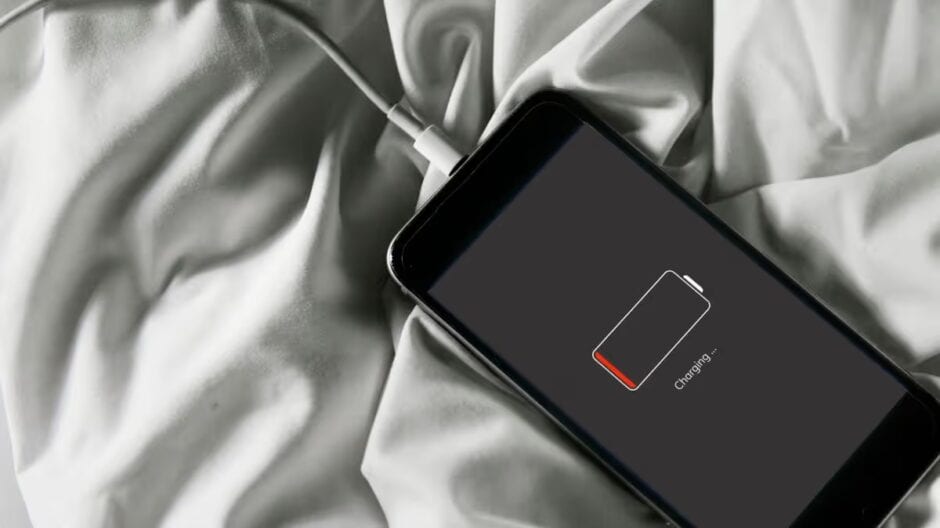
Charging your phone in hot conditions
Heat is one of the biggest threats to lithium-ion batteries. High temperatures can speed up battery aging and reduce its overall lifespan. Apple says iPhones are designed to operate between 0 and 35 degrees Celsius (32 to 95 degrees Fahrenheit).
Certain everyday situations can expose phones to excessive heat. These include leaving a device inside a parked car on a hot day. Charging under pillows or blankets can also trap heat around the phone.
Fortunately, modern smartphones include safeguards against overheating. They can slow down or temporarily stop charging when temperatures become too high. Pixel phones may also limit charging to around 70% to 80% after extended exposure to high temperatures.
However, these protections do not eliminate the risks of excessive heat. Users should charge their phones on hard, flat surfaces away from direct sunlight. Removing the phone case can also help if the device becomes unusually warm.
Using your phone heavily while charging
Charging already generates heat, and demanding apps can make the problem worse. Running both processes together can expose the battery to higher temperatures. Over time, repeated heat exposure may reduce battery lifespan.
Samsung recommends avoiding phone usage while charging. Apple also identifies gaming and video streaming as activities that can increase an iPhone’s temperature. For example, streaming videos while driving on a hot day can put additional thermal stress on a device. This becomes more concerning when the phone is connected to a car charger.
Users should ideally charge their phones before running demanding apps. These include mobile games and video platforms such as YouTube. If a device becomes too hot, unplug it and close demanding apps. Allow it to cool before charging again.
Fast charging and wireless charging can also generate additional heat. If an iPhone displays a temperature warning, Apple recommends switching it off. Move the device to a cooler location and let its temperature return to normal.
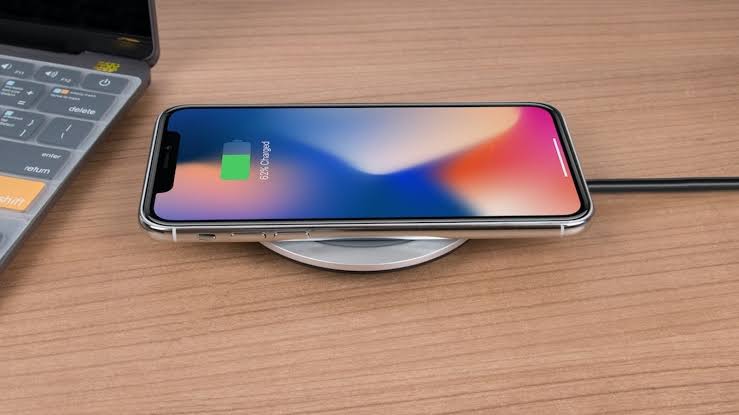
Using unsuitable chargers and cables
The charging accessories you use can also affect battery health. Wireless charging, in particular, can generate additional heat when the setup is unsuitable. Thick or metal phone cases can interfere with charging and increase the problem.
Google warns that certain cases can slow wireless charging or stop it completely. Objects such as credit cards and keys between the phone and charger can also interfere with the process.
If wireless charging stops unexpectedly, overheating could be the reason. The phone may have paused charging until its temperature drops. Removing the case or using a thinner alternative can help. Users should also ensure their phones are properly positioned on certified charging pads.
Wired charging accessories also deserve attention. Samsung says incompatible or damaged chargers and cables can cause excessive heat. Damaged cables may even cause the charging port itself to overheat.
Users should stick to original or certified charging accessories that meet their phone’s requirements. Any damaged cable or charger should be replaced immediately. Continuing to use faulty accessories can create further problems for both the phone and its battery.