
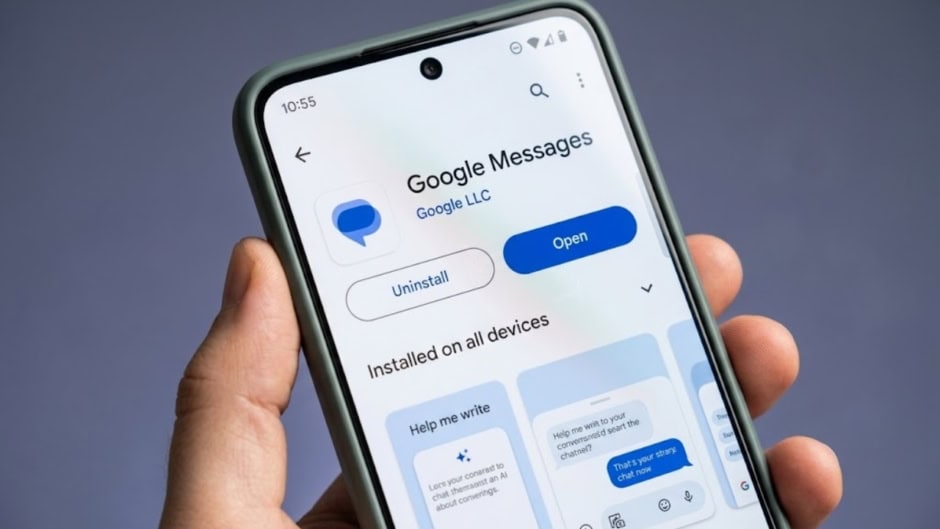
Google Messages continues evolving with a wave of new features rolling out throughout September 2026 (September 2026, Pakistan Standard Time [UTC+5]). The RCS and SMS client is receiving gesture updates, customization options, and deeper integration with other Google services. Meanwhile, advanced read receipts redesigns are moving from beta into wider availability. For users managing multiple conversations, these additions offer meaningful improvements to daily messaging.
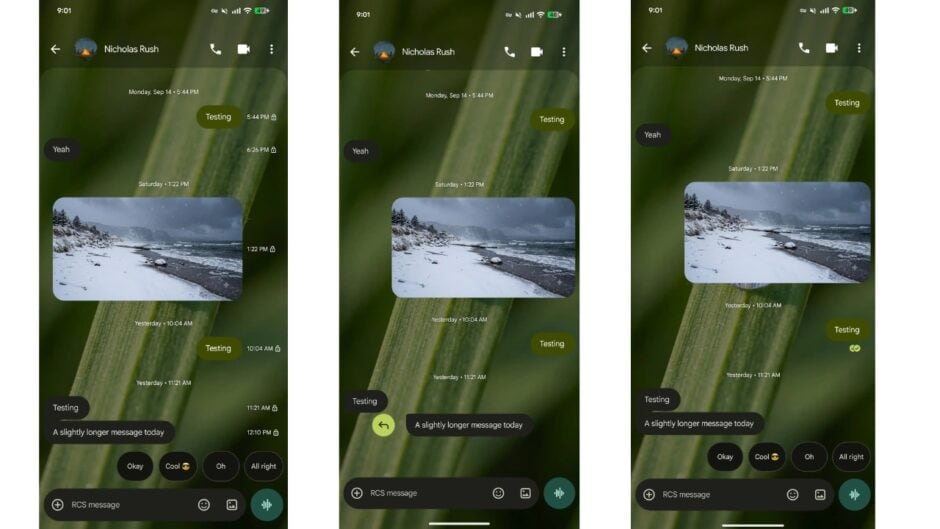
The most immediately noticeable change involves revised swipe gestures. Swiping left anywhere in a conversation now displays timestamps and the RCS encryption lock, giving users quick access to timing information without tapping. Swiping right on a message bubble triggers a direct reply, replacing the previous gesture behavior. Tapping a message still shows read receipts as before. This gesture redesign streamlines reply workflows by making threading more intuitive and immediate.
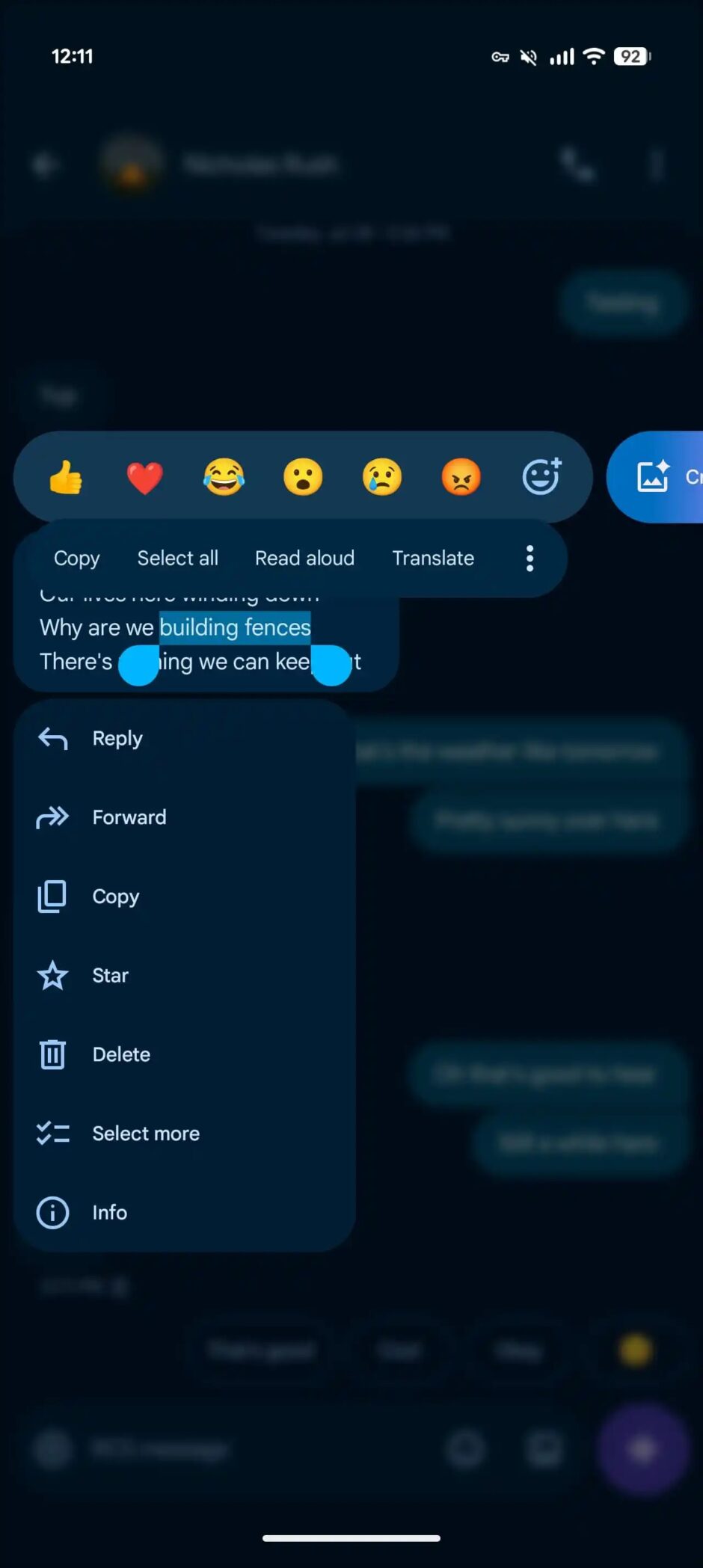
Meanwhile, long-pressing on a message or image now opens a floating menu as the background blurs rather than displaying a top toolbar. The new design reduces visual clutter and focuses attention on available actions. Notably, you can press again to copy just a portion of the message instead of copying the entire text block. This precise copying capability addresses a long-standing user request for more granular text selection.
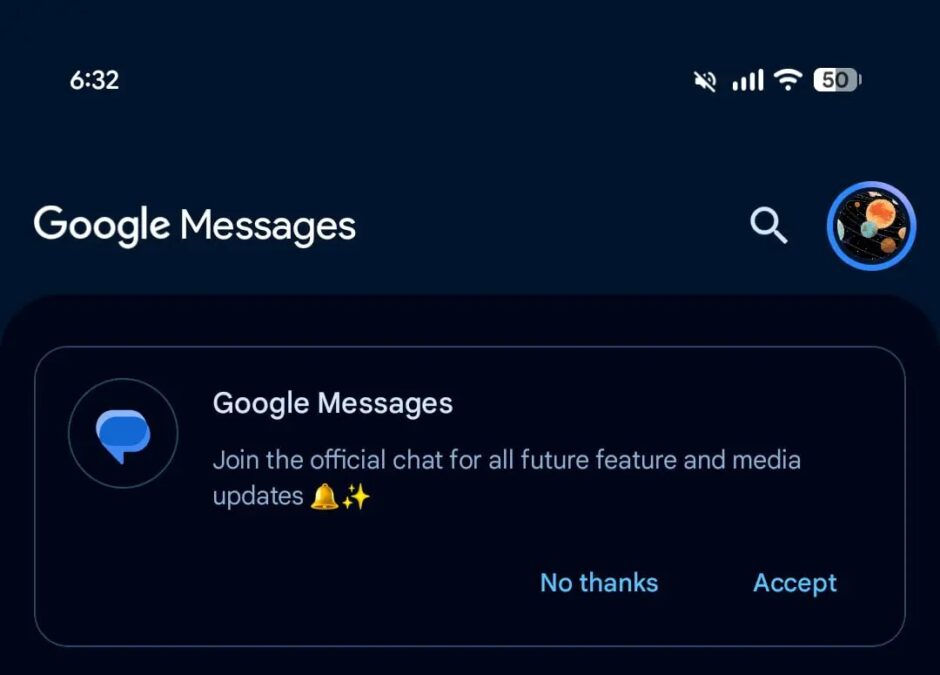
Google Messages is also introducing an official chat for feature updates. This dedicated channel lets users stay informed about new capabilities as Google rolls them out. Rather than scrolling through support articles or waiting for announcements elsewhere, users receive updates directly in the app itself. The channel provides early notification about what’s coming and how to use new features effectively.
Customization expanded significantly with the new Chat theme feature. Replacing the previous “Change colors” option from 2024, Chat themes now offer extensive personalization. Users access the feature from the three-dot overflow menu. The Colors carousel provides nine theme options, with Dynamic Color responding to your chat background automatically. Additionally, the Wallpapers section lets you change conversation backgrounds from nine Google collections, including Animals, Architecture, Landscapes, Space, Sunsets, and Textures. Alternatively, you can upload your own image.
Additionally, Google Keep integration is now rolling out widely. This lets you quickly create and share notes directly inside chats. Accessing the plus menu reveals a new “Keep Notes” tile that slides up a sheet showing your existing notes. Upon selecting or creating a note, a send button appears in the bottom-right corner. After sharing, a live preview displays in the conversation thread. This integration transforms Google Messages into a note-sharing hub without leaving the app.
iOS 27’s September launch brought meaningful improvements for Android-iPhone RCS conversations. These messages now support inline replies that include quotes of the original message, matching feature parity between platforms. Furthermore, photo reactions now display the actual emoji instead of just text descriptions. This enhancement improves clarity and visual communication across platform boundaries.
Read receipts received an extensive redesign appearing in beta since August 2024 and now rolling out more widely. Read receipt indicators now appear in circles at the bottom-right corner of message bubbles and images. An ellipsis ring indicates sending. A single check with a ring shows sent status. A double check with a ring means delivered. A double check inside a solid circle indicates the message was read. Swiping left reveals timestamps and encryption status, while swiping right triggers replies.
Additional security features remain widely available. Gemini-powered Scam Detection helps identify suspicious messages, while Key Verifier prevents impersonation in RCS chats. Messages for web is also removing QR code pairing in favor of Google Account sign-in. This change simplifies the authentication process while improving security for web users.
Earlier features continue rolling out to wider audiences. Voice message recording includes noise cancellation and Voice Moods for expressing tone. RCS message editing lets you correct sent messages. Magic Compose uses AI to help draft replies. Photomoji lets you create emoji from selfies. Custom Bubbles and backgrounds let users deeply personalize individual conversations.