Google Chrome 157 landed on Googlebook with native vertical tabs and key bug fixes. The update completes the feature’s rollout across all Chrome desktop platforms after months of exclusivity on Windows, macOS, and Linux.
Vertical tabs first reached Chrome’s stable channel in April 2026. However, Googlebook users had to wait until now for the feature to arrive on their devices. With Chrome 157, that gap finally closes.
The feature moves the traditional horizontal tab bar into a sidebar on the left side of the browser window. Users can enable it by right-clicking the tab strip and selecting “Show Tabs Vertically.” To switch back, the same right-click menu offers a “Show Tabs Horizontally” option. The sidebar is resizable, and it supports tab groups just like the horizontal layout.
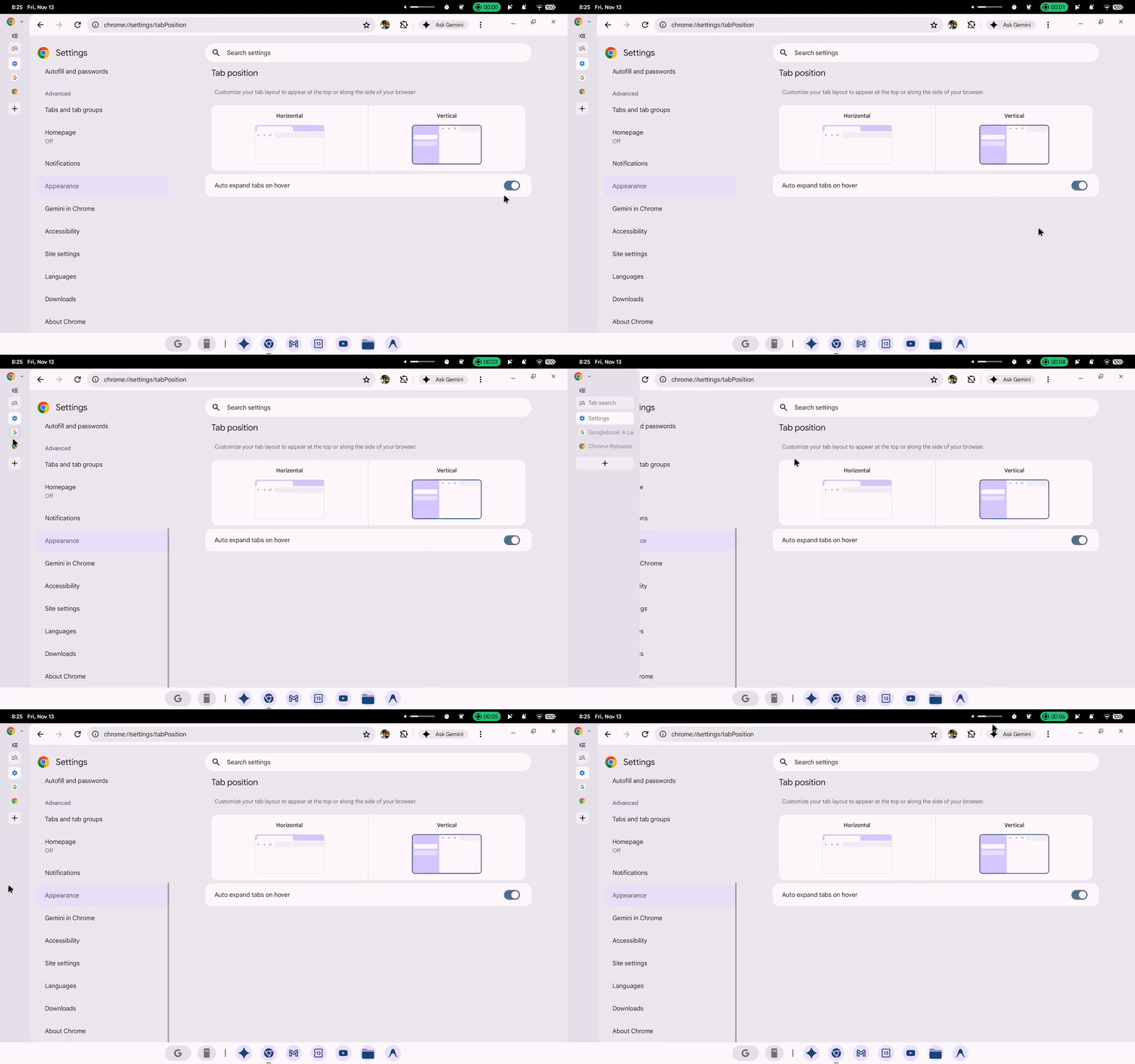
For users who keep more than a dozen tabs open at once, the change is immediately noticeable. Horizontal tabs shrink to unreadable icons once the count exceeds 10 or 15. In contrast, vertical tabs display full page titles in a scrollable list regardless of how many are open. As a result, switching between tabs becomes faster and less error-prone.
Chrome arrived late to vertical tabs compared to its competitors. Microsoft Edge introduced the feature back in 2021. Firefox added native vertical tabs in March 2025. Arc and Vivaldi offered sidebar-based tab management even earlier. Despite holding 69.37% of the desktop browser market, Chrome resisted the feature for years before testing it in Canary builds in late 2025.
The Chrome 157 update also addresses several Googlebook-specific bugs. Google previously rolled out Chrome 157 to Android and standard desktop platforms on November 10. However, the Googlebook release followed a few days later after additional fixes. The delay reflects the added complexity of running Chrome on Googlebook OS, where the browser serves as the primary interface rather than just one application.
Vertical tabs remain a desktop-only feature for now. Google has not announced plans to bring the layout to Chrome on Android or iOS, where screen size constraints make a sidebar impractical.