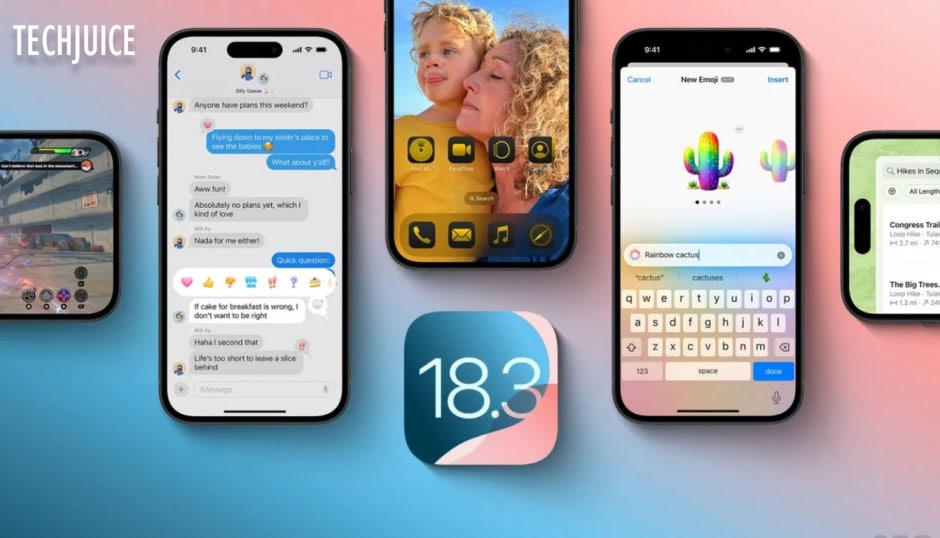
Apple’s upcoming iOS 18.3 update is set to be released soon, offering a range of subtle yet significant enhancements aimed at improving the overall iPhone user experience. Although this release does not represent a significant breakthrough, it introduces essential refinements and features that improve both functionality and usability. Here’s a comprehensive guide to everything new in iOS 18.3 and what you need to know.
iOS 18.3 Features
-
The Calculator App’s Repeat Function
Apple has reinstated a highly anticipated feature in the Calculator app: One tap of the equals sign key on the calculator leads users to execute their previous operation instantly. Users need only press (=) to access this narrow yet efficient functionality for their numerical planning needs.
-
Enhanced Visual Intelligence
Visual Intelligence gets an upgrade, allowing users to hold the Camera Control button to instantly identify plants, animals, or events at the top of the screen without taking a photo. Through this modern feature, users can effortlessly create Calendar events from posters and flyers without leaving their device interface. Users who have iPhone 16 models or other hardware with high camera functionality can access this feature in their systems.
-
Apple Intelligence Enabled by Default
The Apple Intelligence system from iOS 18.1 enters devices automatically following its initial voluntary launch stage for users. The new tool extends Siri functionality along with other AI components by delivering improved performance together with more seamless connections. Users can still disable it via Settings if desired.
-
Italicized Notification Summaries
Apple enhanced notification clarity by using italics throughout AI-generated summaries. The notification style update provides a clear distinction between summary notifications and traditional messages which fixes user confusion about misinterpreted content.
-
Temporary Changes to News Notifications
Apple has disabled its notification summary function across News & Entertainment apps because IA issues were deterring reliable processing. Apple plans to restore the feature once they enhance the stability of AI-generated summaries.
-
Bug Fixes and Performance Improvements
- The developers improved the keyboard functionality so that it remains visible when typing into Siri requests.
- Apple Music now enables songs to play through entirely by addressing playback interruptions.
How to Update to iOS 18.3?
To install iOS 18.3 once it’s released:
- Go to Settings > General > Software Update.
- Tap Download and Install.
- Follow the on-screen instructions to complete the update.
Release Date and Compatibility
iOS 18.3 works seamlessly with devices equipped with A17 Pro or M1 processors and newer, including:
- iPhone 15 Pro and Pro Max
- iPhone 16 series
- iPad Mini (2024 models onward)
- iPad Air, iPad Pro, and Macs with M1 chips or newer
Apple is expected to officially launch iOS 18.3 on January 27, 2025, after distributing the Release Candidate and completing the beta phase.