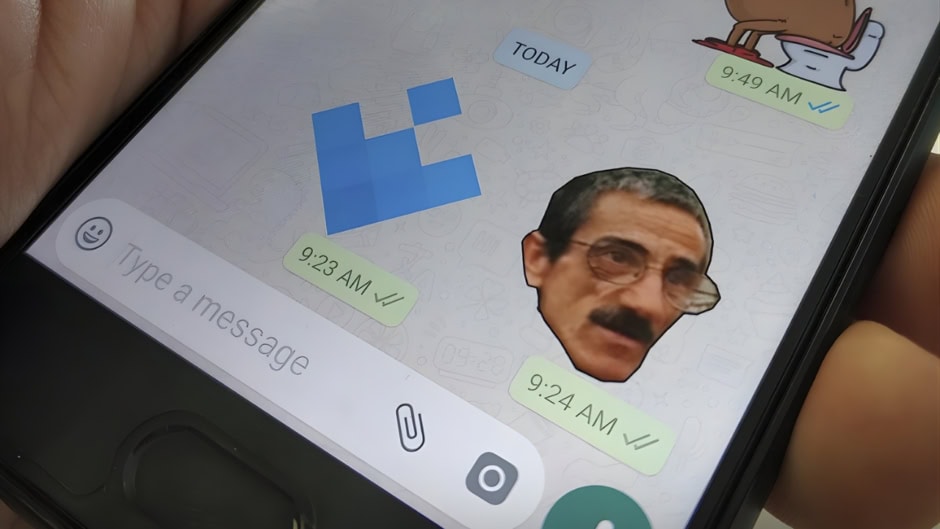
WhatsApp is upgrading its sticker capabilities. The messaging app will soon let you create stickers directly from your images. Developers recently spotted this new shortcut in the Android beta version 2.26.16.7. Therefore, you can expect much faster sticker generation very soon.
How the New WhatsApp Image-to-Sticker Shortcut Works
Previously, creating a sticker required multiple manual steps. You had to open an image and access the overflow menu. Then, you selected the “create sticker” option to launch the editor. Now, WhatsApp is simplifying this workflow.
When you tap on an image, a new menu immediately appears. This menu provides two clear options. First, you can open the sticker editor to manually customize different variations. Second, you can let WhatsApp automatically generate a sticker. The app selects the most suitable version of the image for this automatic process.
Instant Sharing & iOS Similarities
After WhatsApp generates the sticker, a bottom sheet slides up. Here, you can execute several quick actions. You can add the new sticker directly to your favorites. Alternatively, you can save it to a specific pack or edit it further. Furthermore, you can send it instantly into your current chat. This new shortcut actively reduces manual steps and speeds up the entire process. If you do not have the feature enabled yet, you will simply see the standard reaction tray.
Currently, Apple iPhones offer a similar built-in subject extraction tool. iOS users already isolate subjects from images to build WhatsApp stickers. Consequently, WhatsApp is finally mirroring this seamless experience for its Android user base.
Currently, WhatsApp limits this feature to select beta testers. You must run the Android beta version 2.26.16.7 from the Google Play Store to access it. However, the company plans to gradually expand access. Users can expect this update to reach more devices over the coming weeks.