
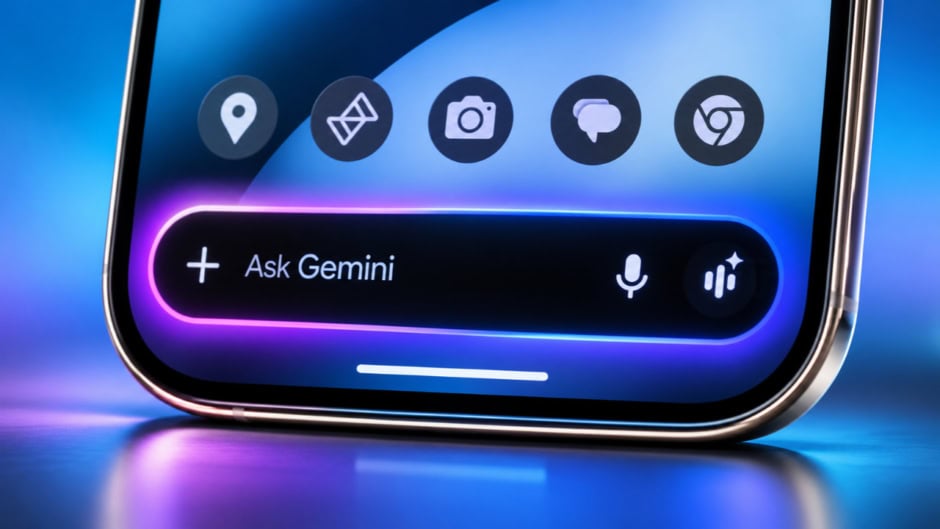
Google has redesigned the in-app camera inside its Gemini Android app with a sleek new inline interface. The update replaces the old fullscreen viewfinder that many users found generic and clunky.
The previous camera opened from the plus menu in the prompt box as a basic fullscreen viewfinder. It offered limited controls and felt disconnected from the rest of the Gemini experience. In contrast, the new camera appears directly on the Gemini homepage or within an active conversation as a bottom sheet. Users can drag it upward with a smooth animation to fill most of the screen. The layout now extends nearly edge-to-edge, even reaching behind the system navigation bar for a more immersive feel.
Google also reorganized the camera controls in this update. A three-dot overflow button sits to the right of the capture button and animates when tapped. It reveals flash options along with a toggle to switch to the front-facing camera. On the opposite side, a back button lets users exit quickly. Additionally, swiping down on the viewfinder closes the camera entirely, making the whole interaction feel faster and more natural.
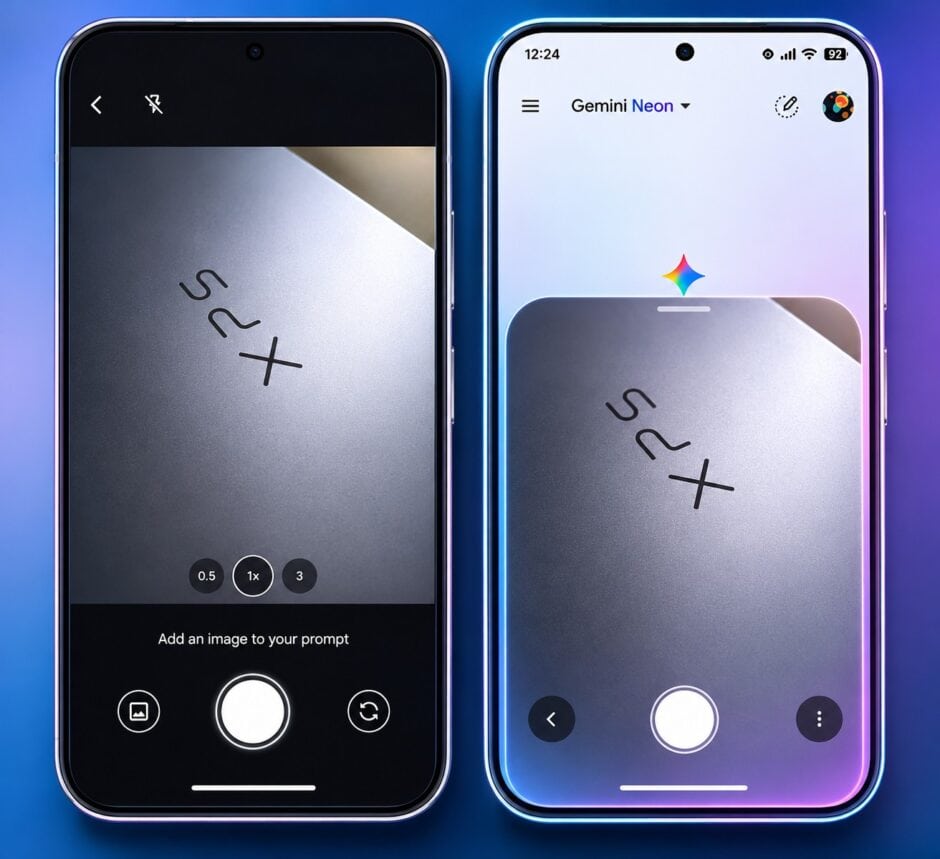
This redesign first launched in the Gemini iOS app before making its way to Android. It has now rolled out widely across both beta and stable channels in version 17.76 and later. Users who do not see the update can try force-stopping the Google app to trigger the refresh.
Meanwhile, Google also introduced a new GIF creation feature powered by Gemini Omni 1.2 Flash on November 20. Users can select GIF from the Format menu or simply type “Create a GIF” in their prompt. Google positioned this as a replacement for searching through GIF libraries, saying users can now generate exactly what they want instead of settling for existing options.
Say hello to GIFs in Gemini. Say goodbye to searching for the perfect one.
From looping photo effects to funny memes, create any GIF you can imagine with our latest video model, Gemini Omni 1.2 Flash, for smooth motion and consistent quality across every frame.
— Google Gemini (@GeminiApp) November 20, 2026
Together, these updates show Google steadily refining the Gemini app into a more polished and feature-rich AI assistant on mobile.