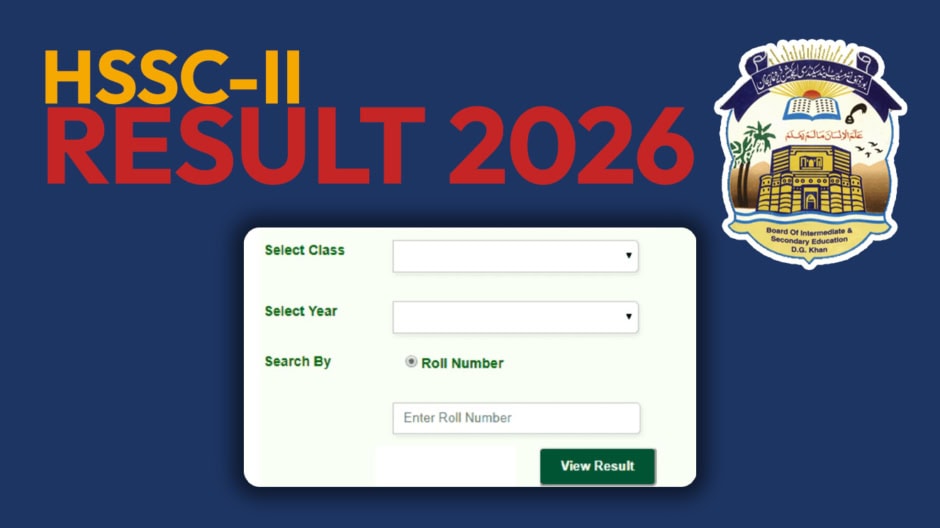
The Board of Intermediate and Secondary Education Dera Ghazi Khan has released the 12th Class Result 2026. Students who appeared in the HSSC Part-II annual examination can now check their results. The announcement was made on September 23 at 10:00 AM.
Candidates can use the official board website to view their marks. The board also supports result checking through SMS.
How to Check DG Khan Board Result Online
Students should visit the BISE DG Khan website to check their results. Open the Intermediate result section and select the relevant examination.
Enter the roll number issued for the annual examination. Submit the details to retrieve the result. The result page will show the available examination information. Students should check the marks carefully after opening the result.
Check DG Khan Result by SMS
Students who cannot access the online portal can use SMS instead. This method only requires the candidate’s roll number. Type your roll number in the message box. Send it to 800295. BISE DG Khan has used 800295 as its result SMS code in previous Intermediate result services.
The result information will be sent back through a reply message. Students should ensure that the roll number is correct before sending it.
DG Khan Board Result Gazette
The result gazette provides another way to check the examination record. Students can use it after the board makes the document available.
Open the gazette and search for the roll number. This method can help students when the online result portal is busy.