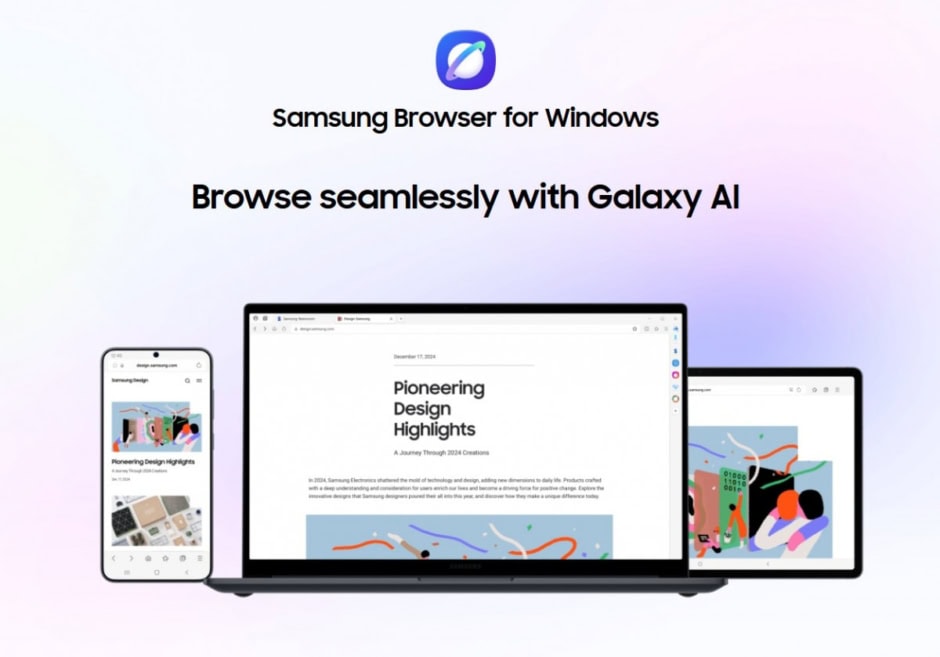
Samsung has officially rolled out the stable version of its Samsung Browser for Windows after a five-month beta phase. The browser is now available globally, marking a broader release than its earlier limited rollout. It can be installed on Windows 10 (version 1809 or higher) as well as Windows 11, offering users a familiar browsing experience across modern Windows systems. The latest build comes with version number 30.0.0.95.
With this release, Samsung focuses on creating a smooth connection between devices. The browser supports cross-device and cross-platform syncing, allowing users to access bookmarks, browsing history, and settings with ease. In addition, it integrates Samsung Pass, which securely syncs sensitive data such as passwords. This ensures that users can move between devices without losing important information.
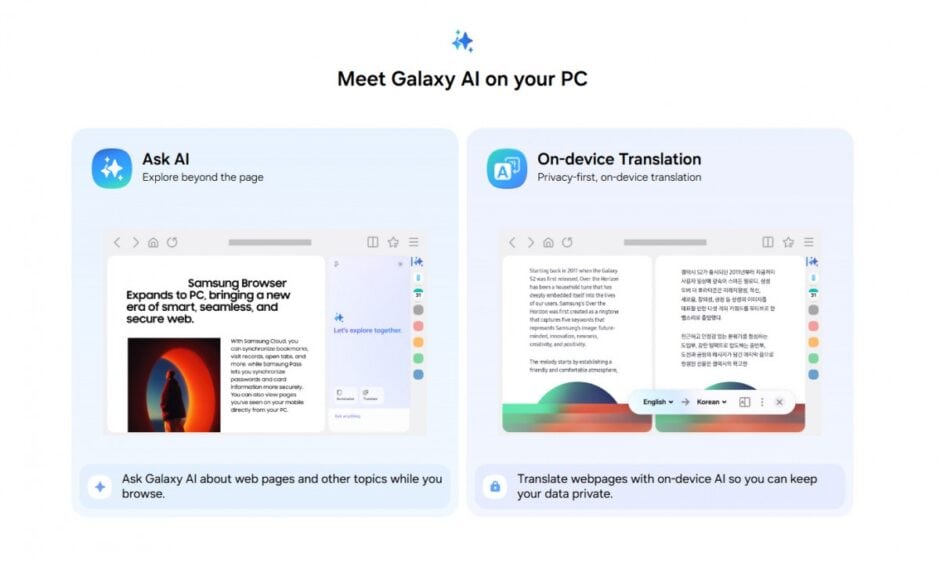
However, syncing is only part of the experience. The standout feature of Samsung Browser is its deep integration with Perplexity AI, which brings advanced, agent-like capabilities directly into the browser. This integration expands beyond Android and Galaxy AI, showing Samsung’s growing focus on AI-driven tools across platforms.
The browser includes a range of built-in AI features. Users can ask it to summarize web pages or translate content instantly. It can also help with multi-step tasks, such as planning or research, based on the tabs a user has open. This makes browsing more interactive and less time-consuming.
Search functionality also gets smarter with natural language support. Instead of typing exact keywords, users can describe what they are looking for. The browser then uses Perplexity AI to find relevant results, even from browsing history. This simplifies how users revisit past content without manually searching through lists.
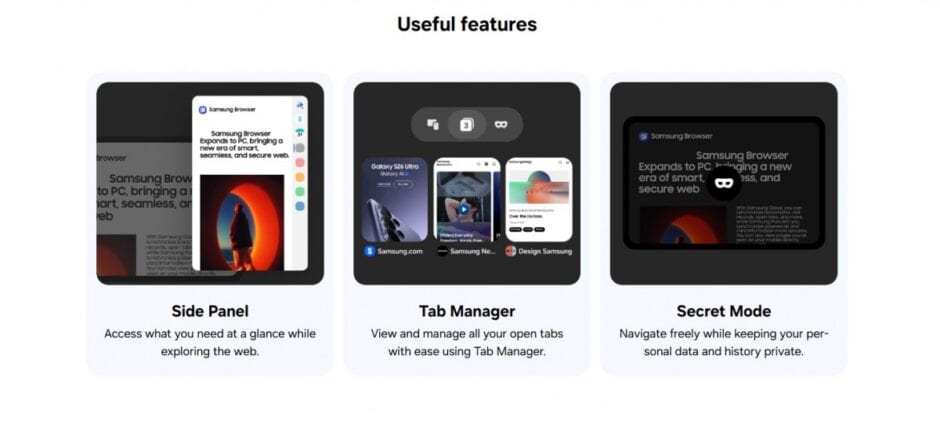
Samsung also highlights an advanced video understanding feature. The browser can analyze video content and respond to user queries about specific moments. For example, users can ask the AI to jump to a certain part of a video by describing the scene they want to find.
Overall, Samsung Browser for Windows combines traditional browsing with AI-powered assistance. It aims to make everyday tasks easier while keeping everything connected across devices. The browser is available for download.