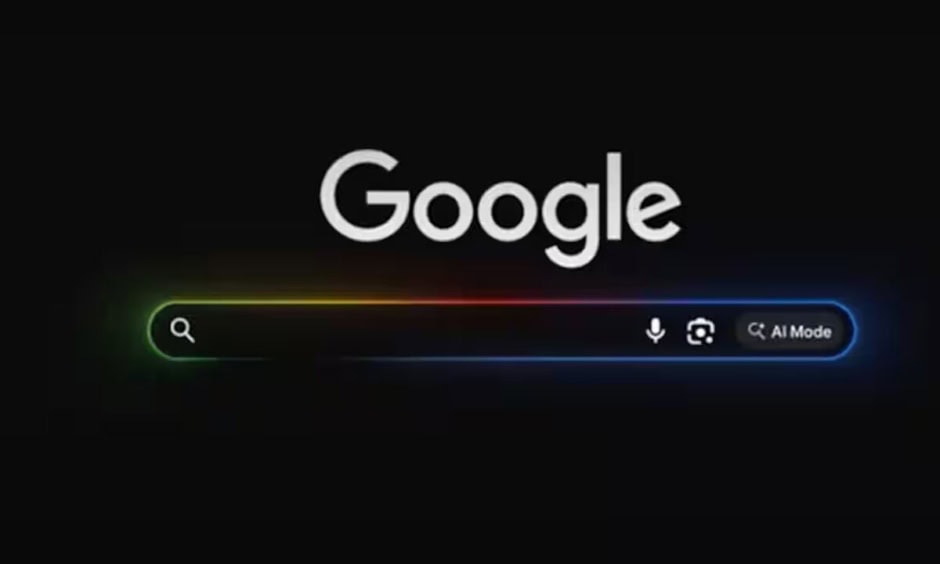
Google is quietly expanding its push into desktop AI, this time with a wider release of its experimental Windows app. The app first appeared in September last year, but it is now available globally. For now, it supports only English, although support for more languages is expected soon.
The new app brings a familiar and simple way to access search and AI tools. Users can press Alt+Space to open it in a small floating window. This shortcut feels similar to Spotlight on macOS, which many users already know.
At its core, the app includes a standard Google search box. However, it goes beyond regular search in a meaningful way. Users can select a specific window and ask questions about what is on their screen. This makes it easier to get quick help without switching between apps.
In addition, users can share their entire screen with the app. As a result, Google’s AI can better understand the context and provide more useful answers. This feature is especially helpful when working on tasks that need deeper assistance.
Another key highlight is Google Lens integration. With this, users can select any part of their screen, not just a window. Then, they can search, translate text, or analyze images instantly.
Overall, the app shows how Google is blending AI into everyday desktop use. While it is still early, the experience already feels practical and easy to use.