
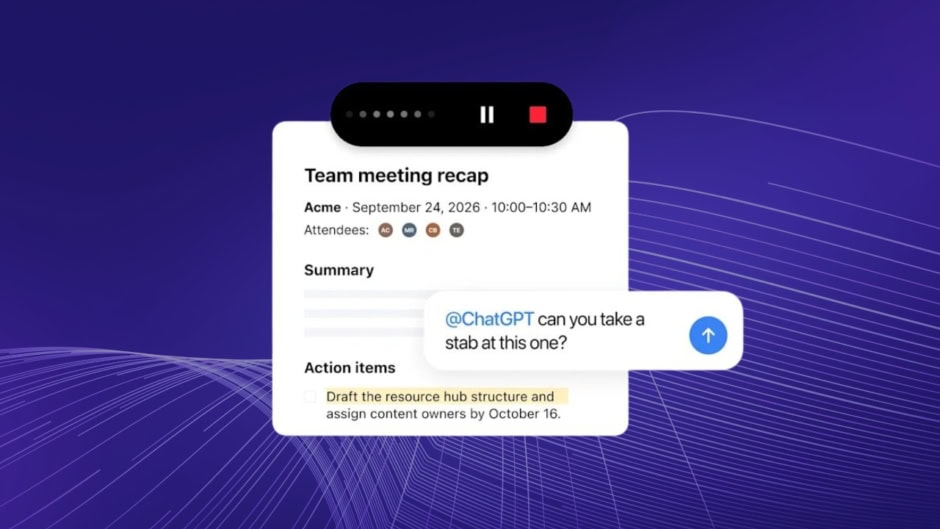
OpenAI rolled out audio file uploads for ChatGPT on October 6. Users can now drop meeting recordings into the chat for instant transcripts and structured follow-ups. The feature supports MP3, MP4, M4A, WAV, and WebM files. It works across all paid plans at no extra cost.
Users upload a recording through the paperclip icon or by dragging the file into the chat. ChatGPT then processes the audio using its Whisper model and generates a text transcript. It also produces a summary with discussion points and action items. From there, users can convert the output into emails, project plans, or meeting minutes. A five-minute file typically takes under a minute to process.
This builds on the Record Mode that OpenAI introduced in June 2025 for live meetings. Record Mode captures system audio or microphone input in real time on the macOS desktop app and mobile. Sessions are now capped at four hours. It can also distinguish between multiple speakers. Users can rename speaker labels after the recording ends. The new audio upload feature fills the gap for pre-recorded Zoom, Google Meet, or Teams calls.
OpenAI says it deletes audio files automatically after transcription. Only the text transcript stays in chat history. For Business, Enterprise, and Edu workspaces, transcripts are excluded from model training by default. Plus and Pro users can opt out through settings.
The feature works best in English, though accuracy for other languages is improving. OpenAI also cautions users to verify important details in transcripts. Background noise, accents, and overlapping speakers can affect accuracy. Additionally, users should comply with local recording consent laws.
Audio uploads are available on Plus, Pro, Team, Business, Enterprise, and Edu plans. Record Mode remains in beta on macOS, with Windows support coming soon.