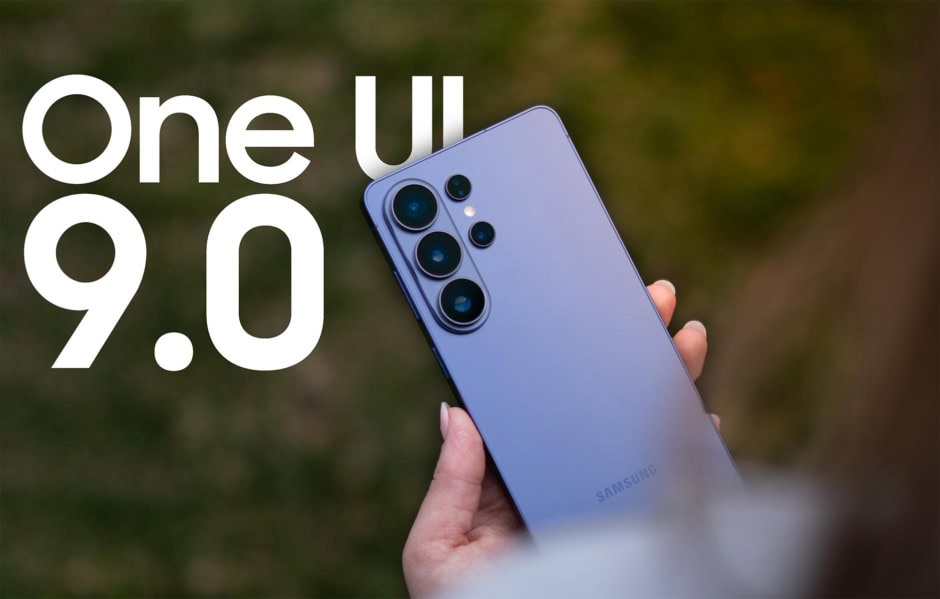
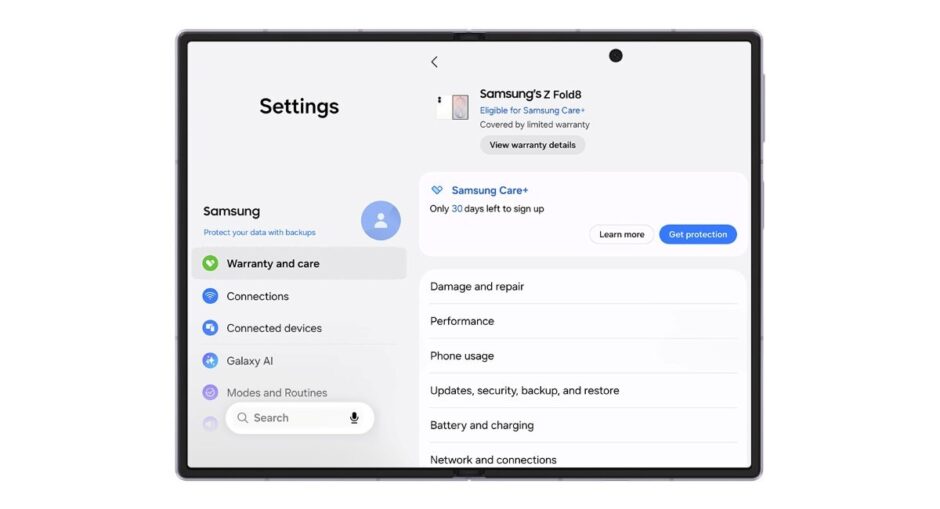
Samsung has added a new warranty and care menu to One UI 9, making device support easier to manage. The feature debuted with the Galaxy Z Fold8, Galaxy Z Fold8 Ultra, and Galaxy Z Flip8. The new menu brings warranty details for Samsung devices into one place. Users can check warranty periods and expiration dates without opening separate pages for each device.
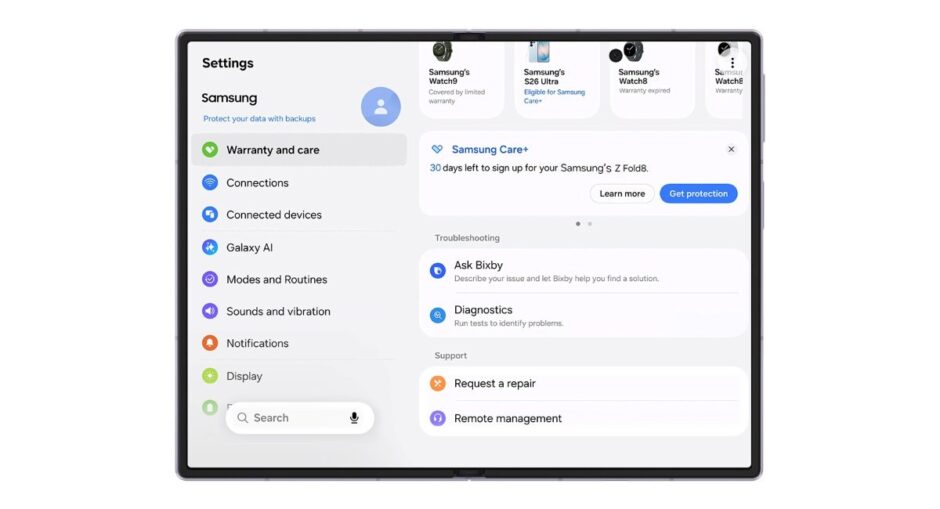
The device currently in use appears at the top of the menu. It also shows whether the device is eligible for Samsung Care+ enrollment. Other Samsung devices linked to the same Samsung account appear below it. This gives users a single view of their connected devices and their warranty information.
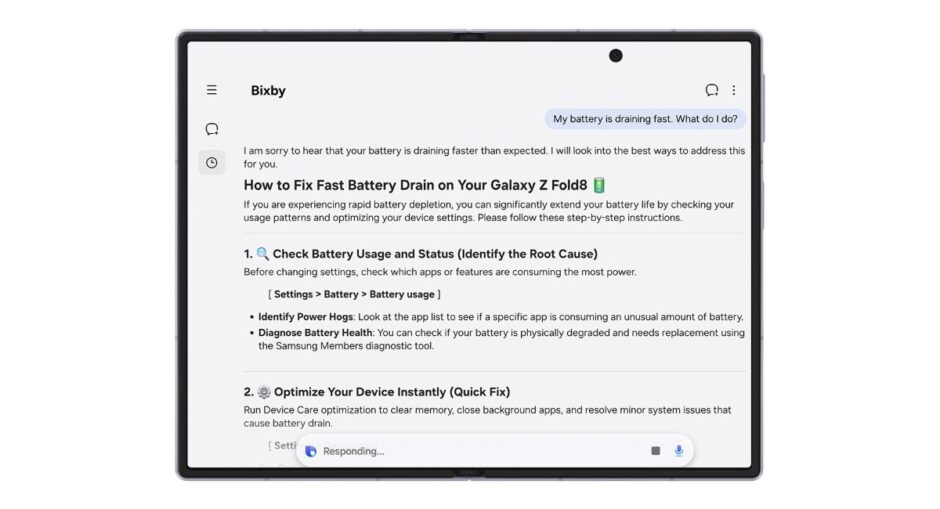
One UI 9 also lets users run device checks through Bixby from the same menu. These checks can cover the battery, charging, sensors, touch response, and connectivity. If a problem requires service, users can request a repair through the menu. They do not need to call a Samsung service center first.
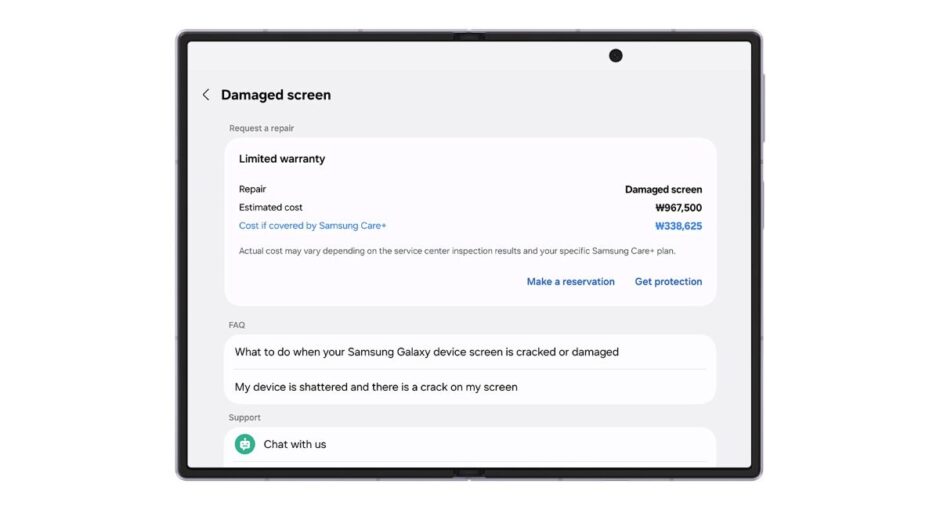
Repairs are handled by Samsung-certified technicians using genuine Samsung parts. Users can also start a remote support session if visiting a service center is not convenient. The warranty and care menu also provides estimated costs for major parts. It can show how much users might have saved by choosing Samsung Care+.
Overall, the new feature gives One UI 9 users a simpler way to manage warranties, diagnose problems, and arrange repairs. It also puts more Samsung support tools directly inside the Settings app.