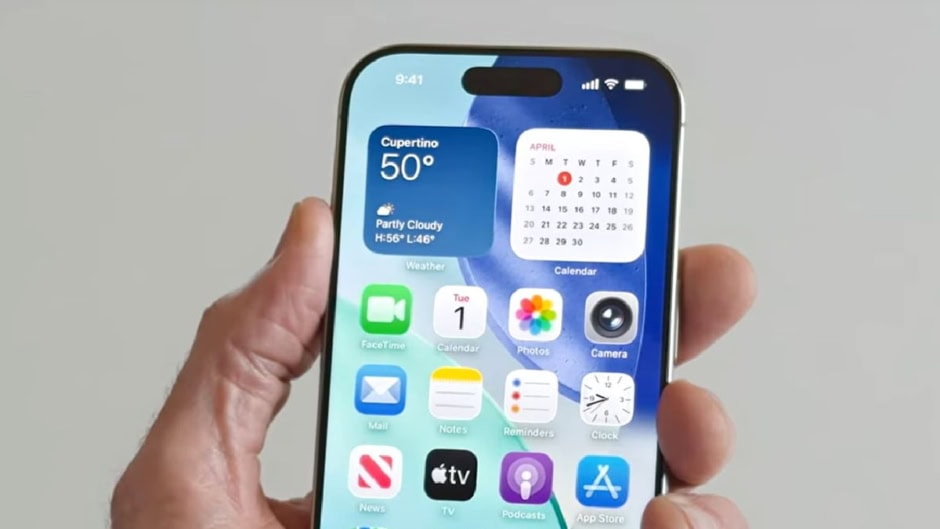
Apple is expected to unveil iOS 27 at its WWDC 2026 keynote today. The update is already generating strong interest due to several rumored iPhone features. Apple is also expected to focus heavily on Apple Intelligence and system-wide improvements. The first developer beta will likely arrive right after the keynote.
The public beta is expected to follow in July. After months of testing, Apple will likely release the final version in September for supported iPhones. This rollout pattern is similar to previous iOS updates. The company is also expected to continue refining performance and battery efficiency across devices.
iOS 27 is shaping up to be a major software update with a mix of AI features, app upgrades, and system refinements. Many of the rumored features focus on making daily iPhone use more interactive and automated.
Below are the key rumored features coming with iOS 27:
- Siri App: A dedicated Siri app may allow full conversational interaction. Users could chat with Siri in a way similar to ChatGPT-style assistants.
- Search or Ask: A new interface may appear when swiping down on the Dynamic Island. It is expected to combine search and AI queries in one place.
- Create a Pass in Apple Wallet: Users may be able to design digital passes for items like gym memberships or event access cards.
- Apple Cash Bill Splitting: Users could scan receipts, assign items to people, and request payments through Wallet or Messages. Apple Cash is currently available only in the U.S.
- Extend and Reframe in Photos: New Apple Intelligence tools may help users improve and adjust photos with smarter editing options.
- Generated Subtitles: iOS 27 may introduce automatic captions for personal videos on iPhone, improving accessibility.
- Apple Maps via Satellite: Maps could gain satellite-based features for better navigation in low or no-network areas.
- Battery Life Enhancements: Apple is expected to prioritize stability, bug fixes, and longer battery performance. The update is being compared to Mac OS X Snow Leopard.
- Improved Autocorrect: A refreshed keyboard system may improve typing accuracy and predictive text performance.
- Visual Intelligence Expansion: A new Siri-powered camera mode may scan nutrition labels and contact information directly.
- Apple Intelligence for Shortcuts: Users may create automations using simple natural language prompts.
- Custom Wallpapers: Apple Intelligence could generate personalized wallpapers based on user descriptions.
Apple has also made changes to beta access in recent years. Users with an Apple Developer account may now install developer betas without paying the $99 yearly fee. After registration, the update appears in Software Update settings once released.
To install the developer beta, users need to restart their iPhone. Then they should go to Settings, open General, and select Software Update. After that, Beta Updates will show the available option.
For the public beta, users must sign up at beta.apple.com. Once enrolled, the same software update steps apply to the device. However, beta software is still in testing. Bugs and performance issues are common during early releases. Apple strongly recommends backing up iPhones before installing any beta version.