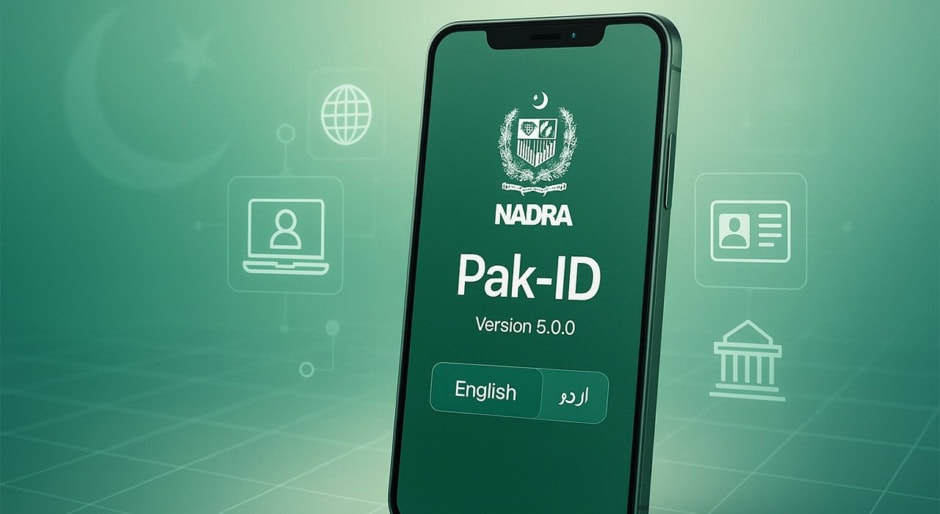
The National Database and Registration Authority (NADRA) has introduced a convenient option for citizens to apply for replacement of lost or damaged Computerized National Identity Cards (CNICs) from home through the PakID mobile application.
The facility eliminates the need to visit a NADRA office for the reprint process. Citizens can submit their applications through the PakID app and complete the required steps by following the instructions provided on the platform.
To apply, users need to open the “Identity Documents” section on the PakID app’s home screen and select “Identity Card.” After selecting the applicant, users can choose the “Reprint” option and proceed with the remaining instructions.
The new facility allows citizens to manage CNIC replacement remotely through NADRA’s digital identity services, making the process more accessible and convenient.