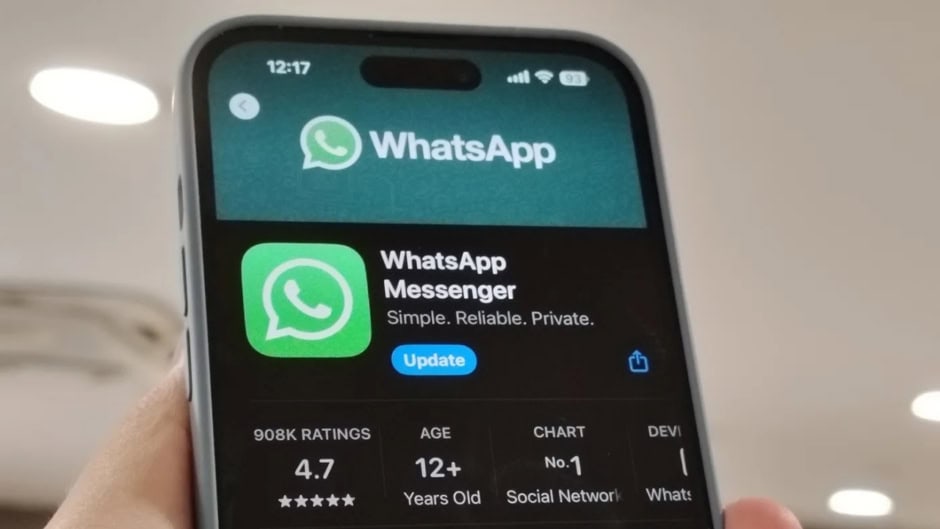
WhatsApp officially ended the two-phone hustle for iOS users. You can now run two completely separate WhatsApp accounts on a single iPhone. Previously, you had to rely on insecure third-party apps. Alternatively, you had to download WhatsApp Business. Today, the main app natively supports a second account.
However, you still need a separate phone number. Therefore, your iPhone must feature dual SIM or eSIM capabilities. This hardware setup allows you to receive the required verification code.
Absolute Data Separation
You do not need to worry about mixed messages. WhatsApp isolates both accounts entirely. Consequently, they maintain separate chat histories, cloud backups, and privacy settings.
Furthermore, your secondary account stays active in the background. You will consistently receive push notifications for incoming messages and calls. If someone calls your idle number, a notification appears. From there, you can tap “Switch Accounts” to answer it immediately. Otherwise, you can simply tap “Ignore”. To read incoming texts, however, you must manually switch to the idle account.
How to Set Up Two WhatsApp Accounts on Your iPhone
Setting up the dual-account feature takes only a few minutes.
- Install the latest iOS version of WhatsApp to ensure the “Add Account” option appears.
- Open the app and tap your profile picture in the bottom right corner. Select “Account”.
- Tap “Add Account”. Agree to the Terms of Service, and enter your second phone number.
- Input the 6-digit verification code you receive via SMS or phone call.
- Set a distinct profile picture and name to easily distinguish it from your primary account.
Once you finish the setup, you can easily toggle between accounts. Simply tap and hold the “You” tab in the bottom corner to switch quickly.
Device Limits & Data Removal
You must remember a few strict limitations. First, you can only create a secondary account on your primary mobile device. You can link companion devices, like an iPad or Mac, later. However, you can only switch accounts on mobile companion devices.
Finally, you should understand the difference between removing and deleting an account. If you remove an account, WhatsApp takes it off your device but leaves your server data and groups intact. Conversely, if you delete the account, WhatsApp permanently erases your message history and removes you from all groups.