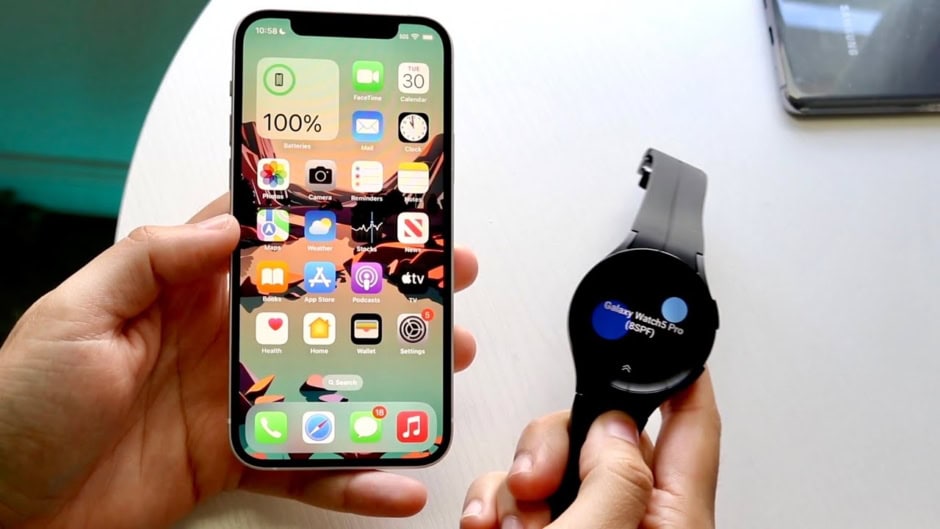
Samsung is making it easier for iPhone users to move to Galaxy phones with its updated Smart Switch app. The new version offers a simpler setup and can transfer more data than before. When moving from an iPhone to a Galaxy Z8 foldable, users no longer need to install Smart Switch on the iPhone. Instead, the Galaxy phone creates a QR code that users can scan with the iPhone’s camera.
After scanning the code, users only need to confirm a few settings. The process then moves the selected data to the new Galaxy phone with fewer steps. The updated Smart Switch also supports more types of data. It can now transfer passwords and passkeys, call history, accessibility settings, and eSIM information from an iPhone.
It continues to transfer common data such as photos, contacts, messages, calendars, and apps. Samsung also lets users start Smart Switch after completing the initial Galaxy phone setup. This could help users who decide to move from an iPhone later. For example, someone using an iPhone as a second phone can transfer their data without resetting the Galaxy device.

Samsung is also improving the experience after the switch. New One UI 9 devices, along with older models running One UI 8.5, support Apple’s AirDrop. This means Quick Share can now send and receive files with iPhones. Samsung also offers more customization options through Good Lock.
Users can adjust home screen layouts, change swipe gestures, and personalize the phone’s theme. These options can make the Galaxy interface feel more familiar to former iPhone users.
One UI 9 is currently available only on the Galaxy Z Fold8, Z Fold8 Ultra, and Z Flip8. However, Samsung is preparing to bring the update to more Galaxy devices.
Google is taking a similar approach with Android 17 on Pixel phones. Apple and Google have reportedly been working on improved cross-platform transfer and sharing features for some time.