Sarwat is a journalist and DIY enthusiast. She loves writing about Startups and Businesses. She is heading Islamabad and surrounding areas for news coverage.

Sarwat is a journalist and DIY enthusiast. She loves writing about Startups and Businesses. She is heading Islamabad and surrounding areas for news coverage.
 2 min read
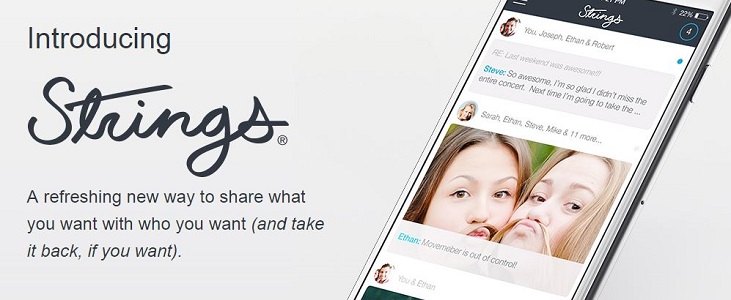
I sent about 20 texts containing the same message to an unintended number by mistake and I could not be more embarrassed. Now, if this…
 2 min read
Pakistan Advertiser’s Society has released the annual Social Marketing Report of Pakistan in the form of an infographic made by Zeesocial using data from Social…
 2 min read
Punjab Government has launched Punjab Facilitation Center to provide different governmental services to citizens under one roof. In this regard, Punjab Government in collaboration with…
 2 min read
Google Play Store has grown much faster than Apple App Store in year 2014 both in terms of application published and developers creating apps for…
 2 min read
Students of Pakistan Navy Engineering College (PNEC), NUST have manufactured a 3-wheel Prototype and 4-wheel UrbanConcept fuel efficient eco-friendly car. Team PNEC will participate with…
 2 min read
The popular language learning tool, Duolingo, has announced the launch of a free language learning platform for Schools. Teachers can use “Duolingo for Schools” in their…
![Kopy is multi-platform application which lets you copy a text such as a phone number, an email or an address and paste it on a different device. For example, you want to SMS a certain text from your laptop to your friend; what will you do? You can write it down word by word and spend about 5-10 minutes of your time in doing so. Another way is to send a subject less email to yourself, open it in your mobile browser, copy the text and finally, SMS it to your friend. How Kopy can change this for you? Let’s re-walk through the same situation. You want to SMS a certain text from your laptop to your friend; what will you do? You will open gokopy.com (http://gokopy.com/) or Kopy's Windows application, login to your account, paste the text in the box and press Kopy. Now, you will go to your Kopy mobile application, and your text will be there in the history section which you can share via various available options, send by SMS, Bookmark or just copy again. [Image: https://quip.com/-/blob/wAvS8RazRf2uemj054DMIQ] You can use Kopy as a Guest User without making any account but you will have to scan the QR code on the website with your phone. Additionally, you can use voice command to open the application and say the text that you want to copy to other devices. You can delete the copied text from the History section anytime or keep it as long as you want to. The downside is that you can copy only 500 words long text which means any text longer than this can’t be copied. You can, maybe, copy a longer text in multiple parts. However, this will not bother much since most of the time the text copied is not longer than 500 words such as a location address or a URL etc. Kopy has received positive user reviews on different platforms. We have test-run the application and we definitely endorse the reviews. As we tested the application, we found out that the service provided was quick and flawless. Moreover, the user interface was easy to use without any hidden complexities and did not give any performance problems. We recommend this application as a must-download for your phone and laptop. Download Now: Windows Phone (http://www.windowsphone.com/en-us/store/app/kopy/6b0c3ec0-afad-4e45-8990-874f12dbab20), Android (https://play.google.com/store/apps/details?id=com.gokopy.android), Windows Store (http://apps.microsoft.com/windows/en-us/app/kopy/f3b10b88-bca8-4759-987a-b8c616fc21b6) Don't forget to tell us your views about the application.](https://www.techjuice.pk/wp-content/uploads/2015/01/Copy-Paste-Across-Devices-2.jpg) 2 min read
2 min read
Kopy is multi-platform application which lets you copy a text such as a phone number, an email or an address and paste it on a…
 2 min read
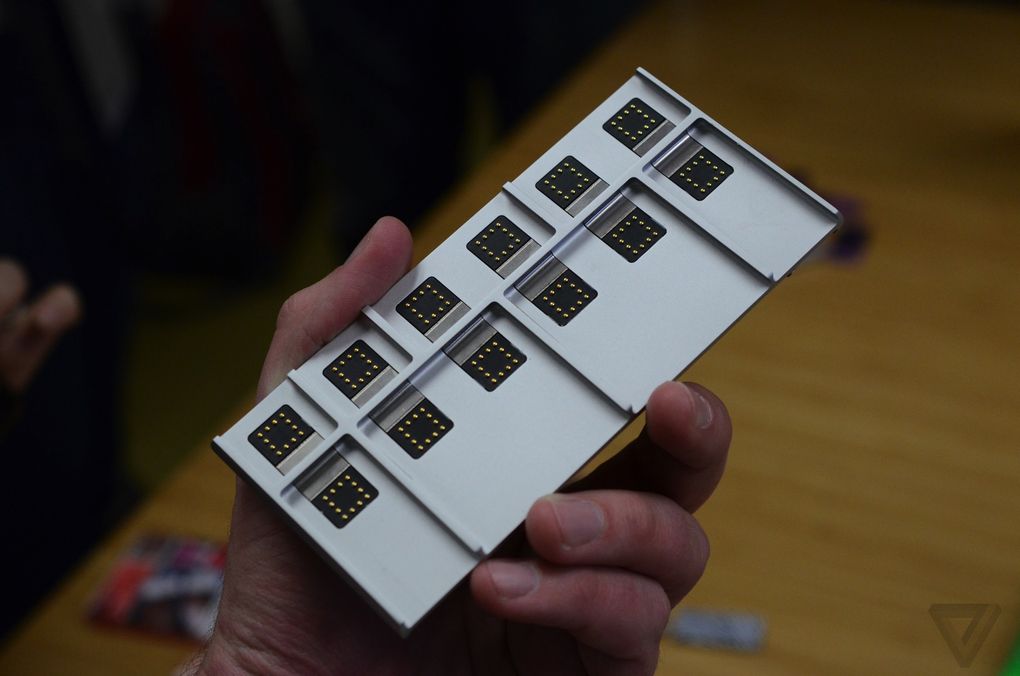
Put on your thinking caps and start innovating! Google has called out developers from around the world to create novel modules for the Project Ara…
 2 min read
Google for Entrepreneurs has selected 15 startups for the Blackbox connect scheduled to be held on February 9th-20th 2015 in Palo Alto. These startups were…
 7 min read
As I started writing on the topic, naturally, my first instinct was to google it and see if I could relate to other people’s experiences…
 2 min read
The world’s largest entrepreneur training and startup launch program announced its first chapter in Karachi recently. The Founder Institute aims to create a startup ecosystem…
 2 min read
Cellular phone companies have been issued a warning for getting prosecuted in the military courts under the terrorism law if any of their un-verified Subscriber…
 2 min read
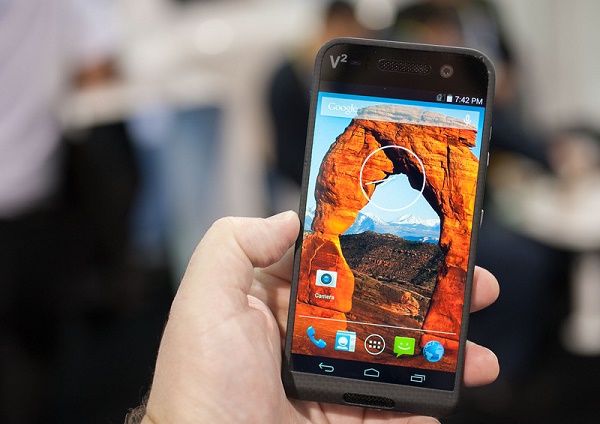
Saygus V2, a new brand, announced a smartphone with a storage space of a mini laptop at the Consumer Electronics Show (CES) 2015. The smartphone…






![Kopy is multi-platform application which lets you copy a text such as a phone number, an email or an address and paste it on a different device. For example, you want to SMS a certain text from your laptop to your friend; what will you do? You can write it down word by word and spend about 5-10 minutes of your time in doing so. Another way is to send a subject less email to yourself, open it in your mobile browser, copy the text and finally, SMS it to your friend. How Kopy can change this for you? Let’s re-walk through the same situation. You want to SMS a certain text from your laptop to your friend; what will you do? You will open gokopy.com (http://gokopy.com/) or Kopy's Windows application, login to your account, paste the text in the box and press Kopy. Now, you will go to your Kopy mobile application, and your text will be there in the history section which you can share via various available options, send by SMS, Bookmark or just copy again. [Image: https://quip.com/-/blob/wAvS8RazRf2uemj054DMIQ] You can use Kopy as a Guest User without making any account but you will have to scan the QR code on the website with your phone. Additionally, you can use voice command to open the application and say the text that you want to copy to other devices. You can delete the copied text from the History section anytime or keep it as long as you want to. The downside is that you can copy only 500 words long text which means any text longer than this can’t be copied. You can, maybe, copy a longer text in multiple parts. However, this will not bother much since most of the time the text copied is not longer than 500 words such as a location address or a URL etc. Kopy has received positive user reviews on different platforms. We have test-run the application and we definitely endorse the reviews. As we tested the application, we found out that the service provided was quick and flawless. Moreover, the user interface was easy to use without any hidden complexities and did not give any performance problems. We recommend this application as a must-download for your phone and laptop. Download Now: Windows Phone (http://www.windowsphone.com/en-us/store/app/kopy/6b0c3ec0-afad-4e45-8990-874f12dbab20), Android (https://play.google.com/store/apps/details?id=com.gokopy.android), Windows Store (http://apps.microsoft.com/windows/en-us/app/kopy/f3b10b88-bca8-4759-987a-b8c616fc21b6) Don't forget to tell us your views about the application.](https://www.techjuice.pk/wp-content/uploads/2015/01/Copy-Paste-Across-Devices-2-150x150.jpg)